91
Dubbing/Editing
b Note
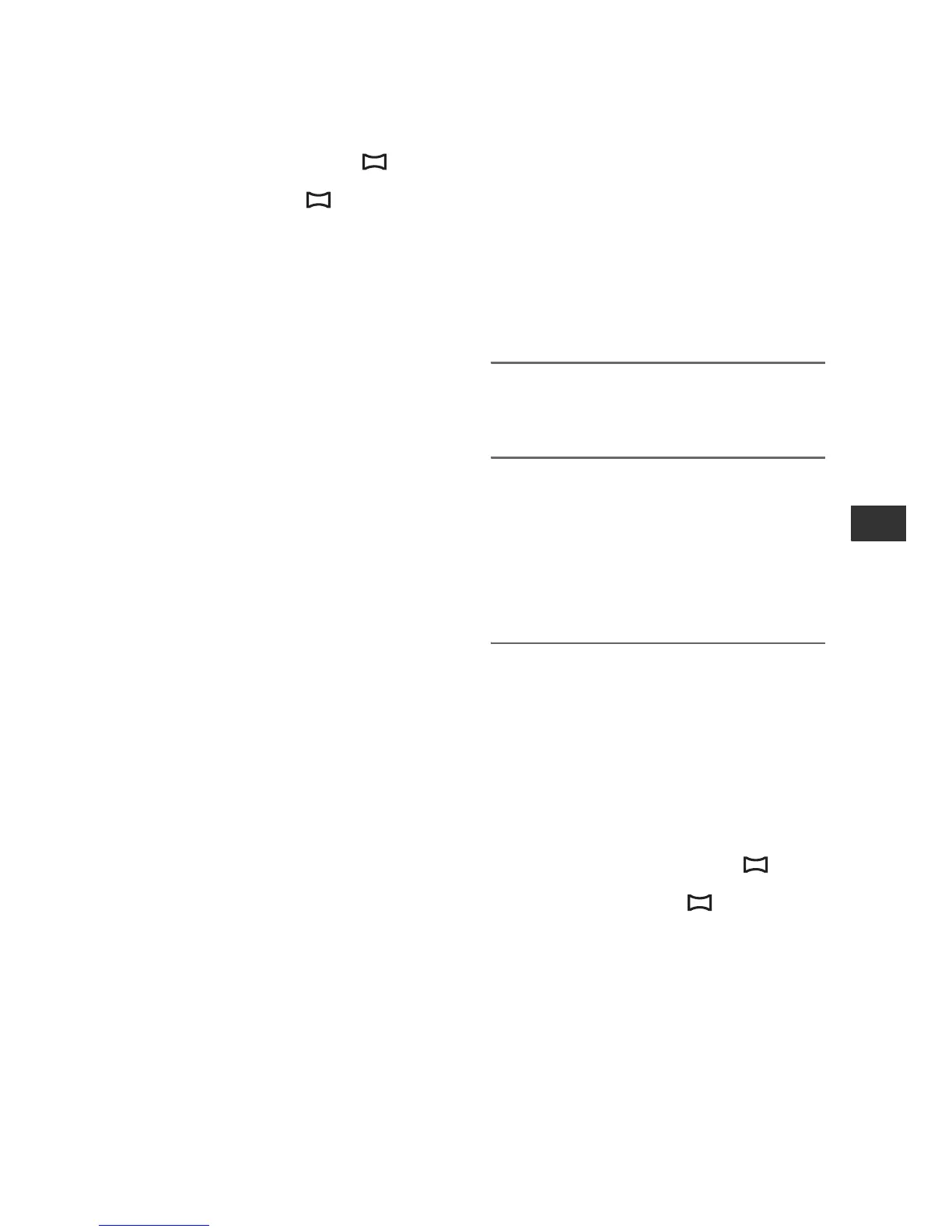
• Movies will be fixed to image size [ 1.2M]
when playing back in the HDV format. Movies
will be fixed to image size [ 0.2M] (16:9) or
[VGA (0.3M)] (4:3) when playing back in the
DVCAM (DV) format.
Copying movies from
tape to “Memory
Stick Duo” as still
images
You can record still images on a “Memory
Stick Duo.” Be sure to insert a recorded
tape and a “Memory Stick Duo” in your
camcorder, and set [PHOTO/EXP.FOCUS]
to [PHOTO] (the default setting) (p. 83)
beforehand.
1 Set the POWER switch to the
VCR.
2 Search and record the scene you
want to record.
Press N (play) to play back the tape,
then press the PHOTO/EXPANDED
FOCUS button at the scene you want to
record.
b Notes
• The date and time at which the picture was
recorded on the tape and the date and time at
which the picture was stored on the “Memory
Stick Duo” are recorded. On your camcorder,
the date and time at which the picture was
recorded on the tape are displayed. Camera
setting data recorded on the tape cannot be
stored on the “Memory Stick Duo.”
• Movies will be fixed to image size [ 1.2M]
when playing back in the HDV format. Movies
will be fixed to image size [ 0.2M] (16:9) or
[VGA (0.3M)] (4:3) when playing back in the
DVCAM (DV) format.
• You cannot record still images while using [PB
ZOOM] (p. 83).



 To Next Page