20
Playing Repeatedly
— Repeat Play
Playing back one message
repeatedly
— One Message Repeat
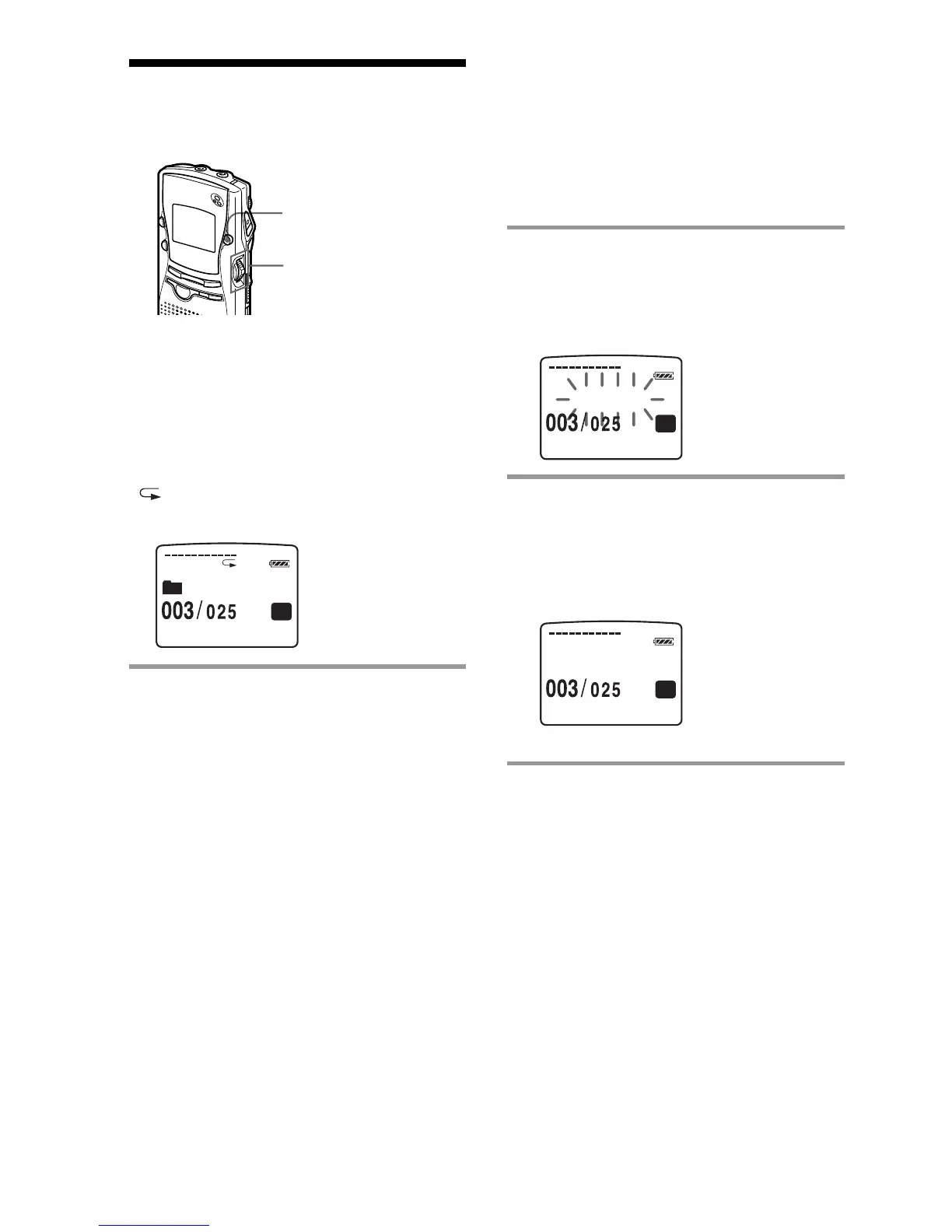
During playback, press the jog lever for more
than one second.
“ “ will be displayed and the selected
message will be played back repeatedly.
To resume normal playback
Press the jog lever again. To stop playback,
press STOP button.
A-B REPEAT / PRIORITY
Playing back the specified
section repeatedly
— A-B Repeat
While playing back a message, you can set
the start (A) and end (B) points for a section
you want to play repeatedly.
1 Press A-B REPEAT / PRIORITY
button briefly during the playback.
The starting point (A) of the section you
want to play repeatedly is set. "A-B B?"
will be displayed on the screen.
2 Press A-B REPEAT / PRIORITY
button briefly again.
The finishing point (B) of the section is
set. "A-B REPEAT" will be displayed on
the screen and the specified section will
play repeatedly.
Notes
• You cannot set A-B Repeat for a section that
overlaps two or more messages.
• If you do not set the finishing point (B), the
finishing point is set automatically at the ending
point (or beginning point) of the message.
1 If you set the finishing point ahead of the
starting point by reviewing, the section is played
from the finishing point (B) to the starting point
(A).
1 You can reset the points of the section of A-B
Repeat by pressing A-B REPEAT / PRIORITY
button during A-B Repeat play.
To resume normal playback
Press the jog lever. To stop playback, press
STOP button.
Jog lever
0
H
01
M
43
S
SP
FOLDER O1
0
H
02
M
43
S
SP
A-B B?
0
H
02
M
43
S
SP
A
- B REP AT E



 To Next Page