ICD-UX522F/UX523F
14
4-8. RTC TEST
The self-test of RTC module can be done in this mode.
Procedure:
1. Enter the test mode.
2. Press the [
>
] or [
.
] keys to select the “RTC TEST”, and
press the [
N
/ENTER] key.
3. The self-test of RTC module is executed, and result is dis-
played.
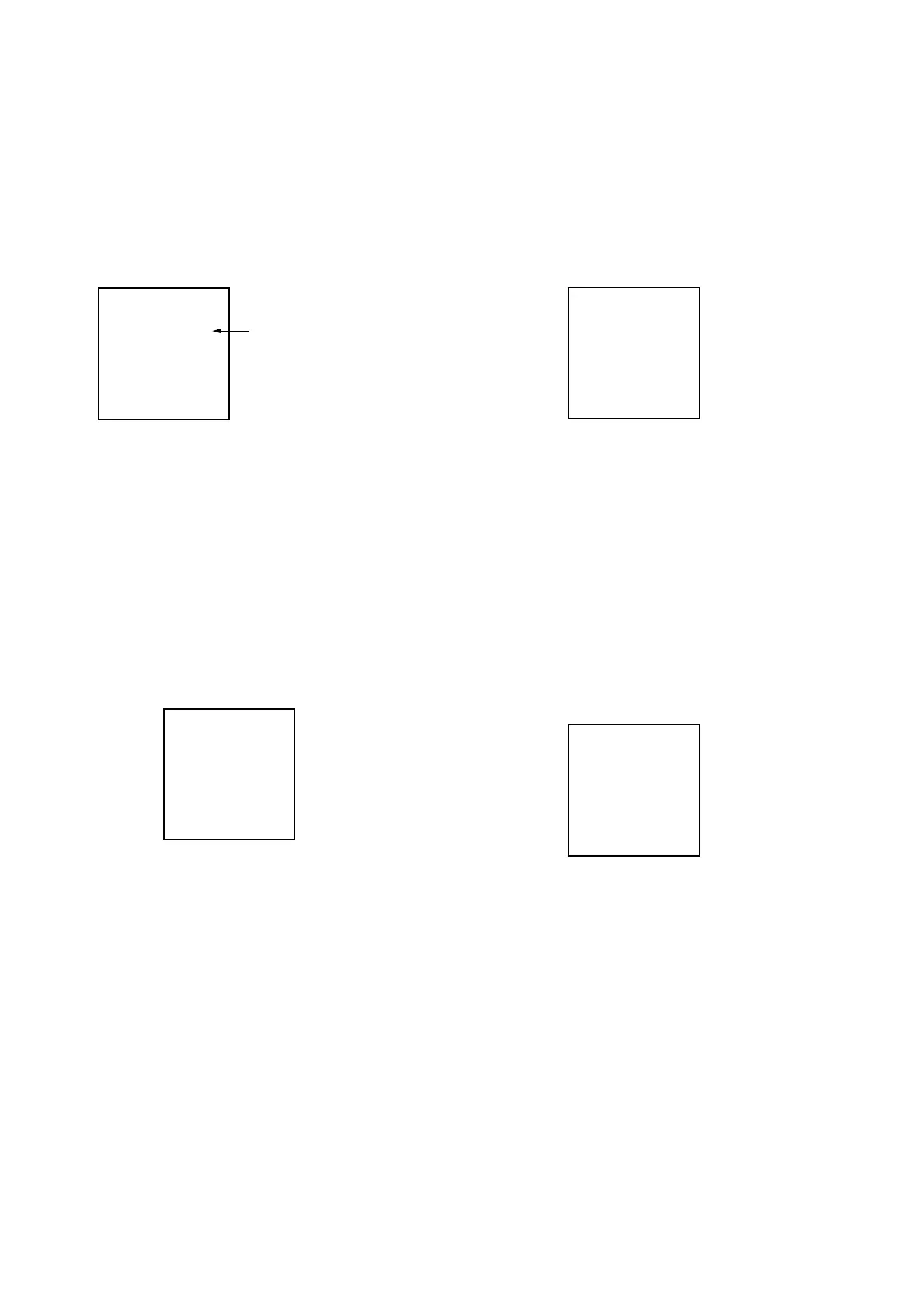
<RTC TEST>
OK
LCD Display
RTC self-test resul
Releasing method:
Press the [STOP/
x
] key, return to test mode menu.
4-9. BATT A/D
In this mode, A/D value (voltage value and temperature value) ac-
quisition can be performed.
Procedure:
1. Enter the test mode.
2. Press the [
>
] or [
.
] keys to select the “BATT A/D”, and
press the [
N
/ENTER] key.
3. A/D value (voltage value and temperature value) are acquired,
and they are displayed.
(8 bit (The bit shift after LSB side 2 bit omission))
Value is always updated.
<BATT A/D>
AC: 7B 2AC: 00
BC: 7B 4BC: 00
TEMP: 6F
LCD Display
Releasing method:
Press the [STOP/
x
] key, return to test mode menu.
4-10. ZLOAD
This mode can perform compulsive operation of a battery load
check.
Procedure:
1. Enter the test mode.
2. Press the [
>
] or [
.
] keys to select the “ZLOAD”, and
press the [
N
/ENTER] key.
3. ON/OFF of ZLOAD is changed.
<ZLOAD>
ZLOAD : OFF
LCD Display
Key input settings under this mode of operation:
[
>
] or [
.
] : ZLOAD change (ON ↔ OFF)
[
N
/ENTER] : ZLOAD_CTL change (H ↔ L)
Releasing method:
Press the [STOP/
x
] key, return to test mode menu.
4-11. LOW DET
LOWBATT_XDET (Battery voltage decrease detection signal)
can be checked in this mode.
Procedure:
1. Enter the test mode.
2. Press the [
>
] or [
.
] keys to select the “LOW DET”, and
press the [
N
/ENTER] key.
3. The state of LOW DET is displayed.
<LOW DET>
LOW DET: OFF
LCD Display
OFF : LOWBATT_XDET=1 (H)
ON : LOWBATT_XDET=0 (L)
Releasing method:
Press the [STOP/
x
] key, return to test mode menu.


 To Next Page
 Loading...