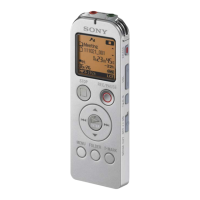
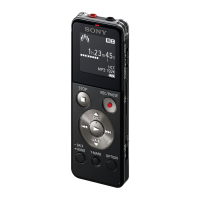
ICD-UX522F/UX523F
13
4-4. SIN
Sine wave can be outputted in this mode.
Procedure:
1. Enter the test mode.
2. Press the [
>
] or [
.
] keys to select the “SIN”, and press
the [
N
/ENTER] key.
3. Sine wave is outputted.
<SIN>
Vol:10
LCD Display
Initial value:
Play back volume : 10 (stereo)
fs : 44.1kHz
Sound is outputted from the D-AMP built-in CPU at the time
of headphone wearing.
Key input settings under this mode of operation:
[VOL +] : Volume up
[VOL –] : Volume down
Releasing method:
Press the [STOP/
x
] key, return to test mode menu.
4-5. BEEP
Beep sound (1.3 kHz) can be outputted in this mode.
Procedure:
1. Enter the test mode.
2. Press the [
>
] or [
.
] keys to select the “BEEP”, and press
the [
N
/ENTER] key.
3. Beep sound (1.3 kHz) is outputted.
<BEEP>
1.3KHz ON
Vol:10
LCD Display
Key input settings under this mode of operation:
[VOL +] : Volume up
[VOL –] : Volume down
Releasing method:
Press the [STOP/
x
] key, return to test mode menu.
4-6. LCD CONT
LCD contrast can be adjusted in this mode.
Procedure:
1. Enter the test mode.
2. Press the [
>
] or [
.
] keys to select the “LCD CONT”, and
press the [
N
/ENTER] key.
3. Adjustment of LCD contrast becomes available.
<LCD CONT>
Vol: 16
[FF]+ [FR]
[PLAY] Save
LCD Display
Initial value:
The default setting saved at eMMC.
Key input settings under this mode of operation:
[.] : Contrast value decrease
[>] : Contrast value increase
[
N
/ENTER] : The current contrast value is written to eMMC.
Releasing method:
Press the [STOP/
x
] key, return to test mode menu.
4-7. LCD PATTERN
The check of LCD dead pixel is made in this Mode.
Procedure:
1. Enter the test mode.
2. Press the [
>
] or [
.
] keys to select the “LCD PATTERN”,
and press the [
N
/ENTER] key.
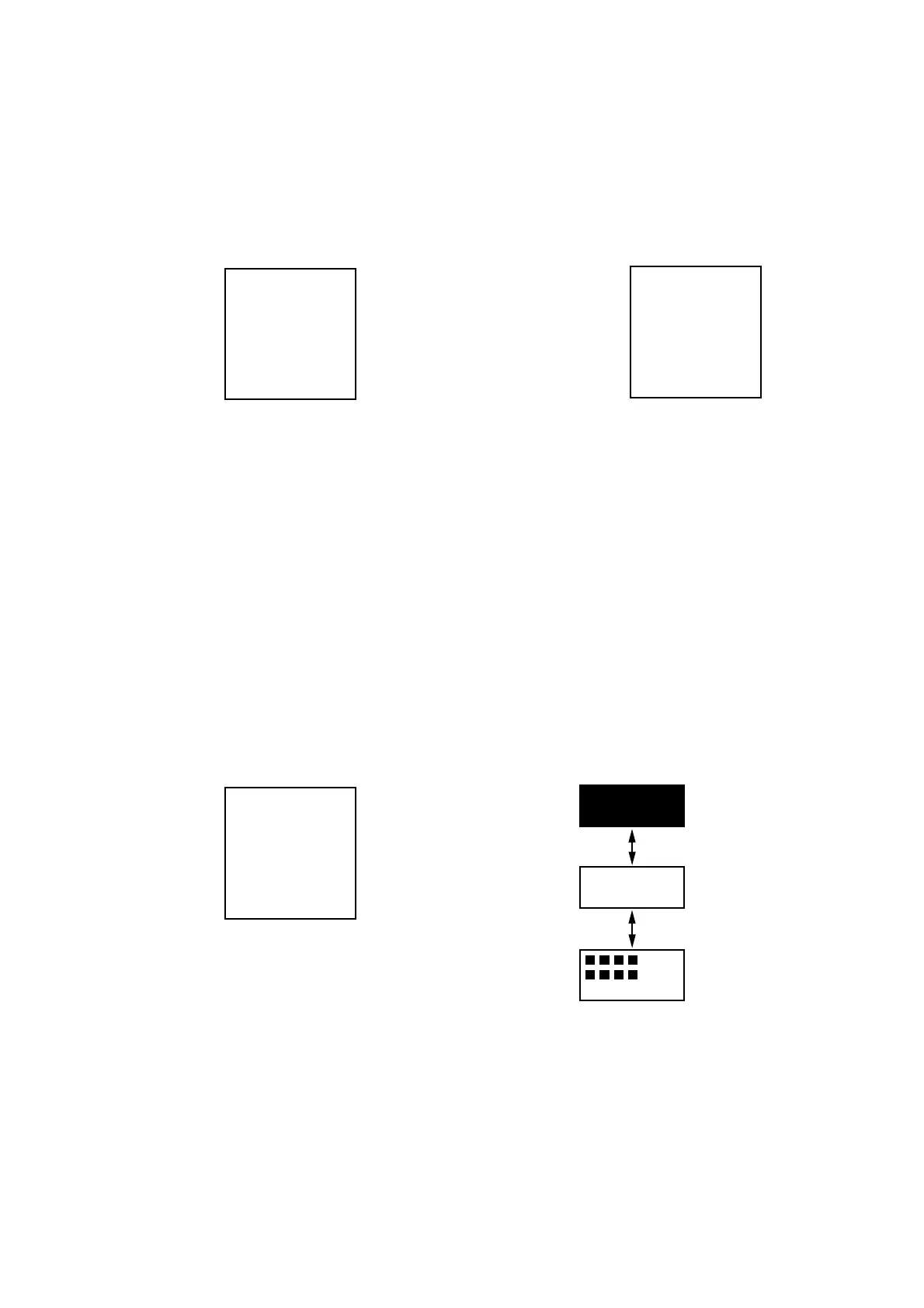
3. LCD display pattern is displayed as shown in the following
fi gure.
LCD Display Pattern
All segments ON
All segments OFF
Partial segments O
Key input settings under this mode of operation:
[
>
] or [
.
] : Display pattern change
Releasing method:
Press the [STOP/
x
] key, return to test mode menu.


 To Next Page
 Loading...