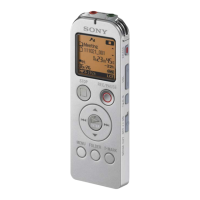
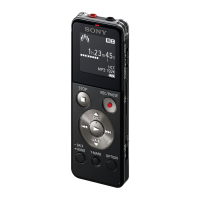
ICD-UX522F/UX523F
12
4-2. KEY CHECK
In this mode, operation of keys and switches can be checked, and
this unit can return to the factory shipment settings.
Note: It cannot move to other modes from this mode.
Procedure:
1. Enter the test mode.
2. Press the [
>
] or [
.
] keys to select the “KEY CHECK”,
and press the [
N
/ENTER] key.
3. Whenever any keys of this unit are pressed or any switches of
this unit are slid, the button count decreases.
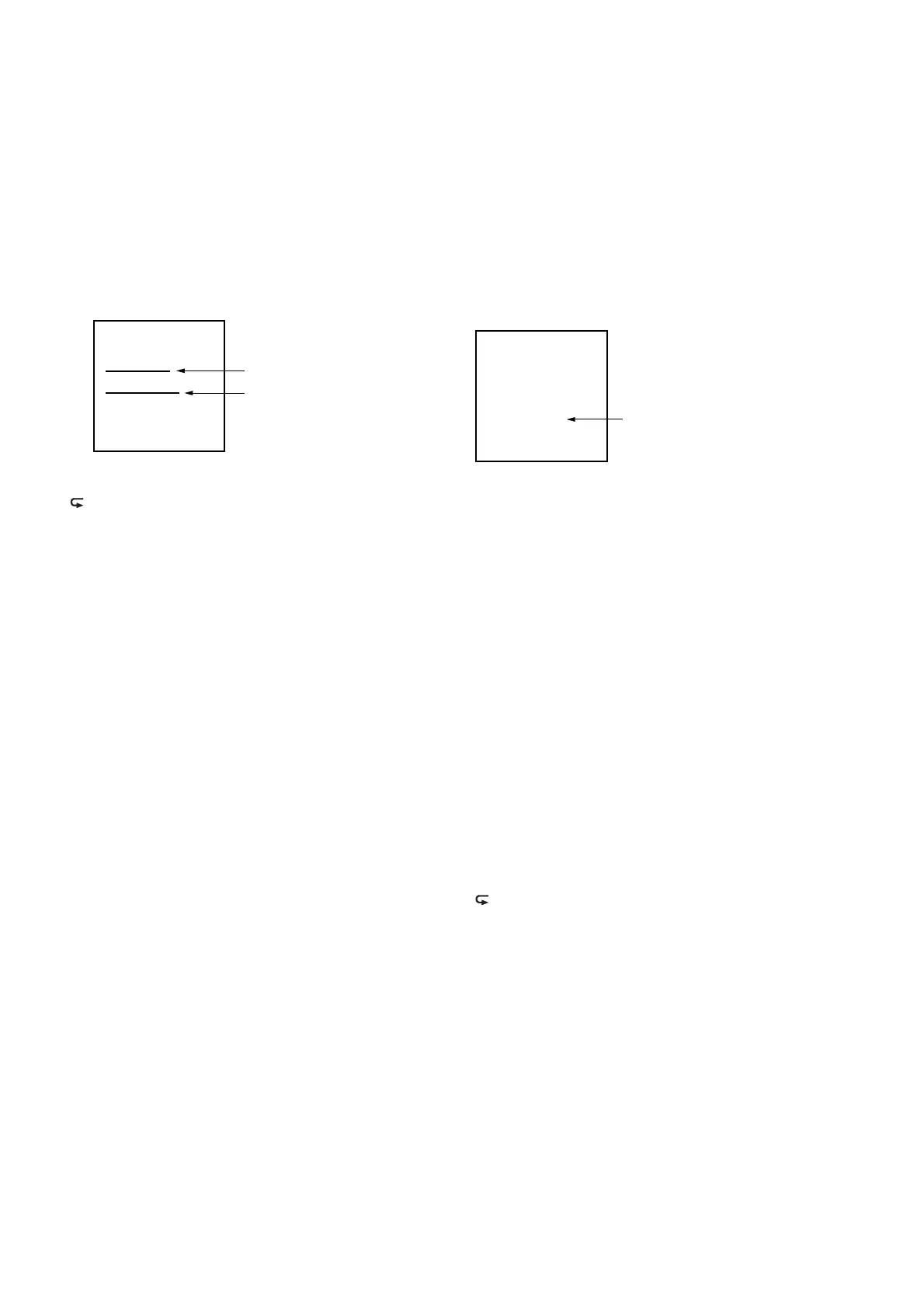
<KEY CHECK>
Example of Display
KEY:PREV
REMAIN: 15
Button count
Confirmed key name
Target keys:
[STOP/
x
], [>], [.], [
N
/ENTER], [REC/PAUSE/
z
],
[ /A-B], [ERASE], [VOL +], [VOL –], [MENU], [FOLDER],
[T-MARK], [
v
], [
V
]
Target switches:
[DPC (SPEED CTRL)] (ON, OFF), [HOLD], [POWER],
[NOISE CUT] (ON, OFF)
4. After all the keys and switches are decided, initialization of
this unit is performed.
5. “Success” is displayed, and this unit reboots.
Note: This unit is not initialized when “Failure” is displayed.
Releasing method:
Remove battery.
4-3. AUDIO LOOP
Audio loop back operation can be performed in this mode.
Procedure:
1. Enter the test mode.
2. Press the [
>
] or [
.
] keys to select the “AUDIO LOOP”,
and press the [
N
/ENTER] key.
3. Audio loop back operation is performed.
Note: When mode is active, the recording level for VOR is acquired at
intervals of 1 second, and it is displayed. When the acquired record-
ing level is larger than the VOR setting value, red LED lights up.
(Threshold value is based on operation of this unit)
<AUDIO LOOP>
MIC: M AGC: OFF
Vol: 10 MIC IN
D H0 D0
VOR: 00003FFF
D: DAMP, (A: Codec)
H0: HP-MUTE=L, (H1: H)
D0: DAMP_XSEL=L, (D1: H)
LCD Display
Initial value:
Play back volume : 10 (stereo)
fs : 44.1 kHz
Microphone sensitivity : M
External microphone : MIC IN
HP_MUTE : L
DAMP_XSEL : L
Sound is outputted from the D-AMP built-in CPU at the time
of headphone wearing.
Key input settings under this mode of operation:
[VOL +] : Volume up
[VOL –] : Volume down
[REC/PAUSE/
z
] : Microphone sensitivity change
(H → L → M → H...)
[
N
/ENTER] : External microphone sensitivity
(mounted model only)
(MIC IN ↔ AUDIO IN)
[
.
] : AGC operation (ON ↔ OFF)
[
>
] : The headphone amplifi er change
(mounted model only)
(D-AMP ↔ Codec)
[ERASE] : HP_MUTE forcible operation
Only HP_MUTE is changed with a
play back state held (ON ↔ OFF).
[ /A-B] : DAMP_XSEL forcible operation
Only DAMP_XSEL is changed with
a play back state held (ON ↔ OFF).
Operation of others by the plug/unplug signal (the external micro-
phone jack and headphone jack) are based on operation of this unit.
Releasing method:
Press the [STOP/
x
] key, return to test mode menu.


 To Next Page
 Loading...