GB
33
GB
Playing back images
If you press V on the control wheel while playing back a movie, the control
panel will be displayed.
Notes
• Movies recorded using other devices may not play back on this camera.
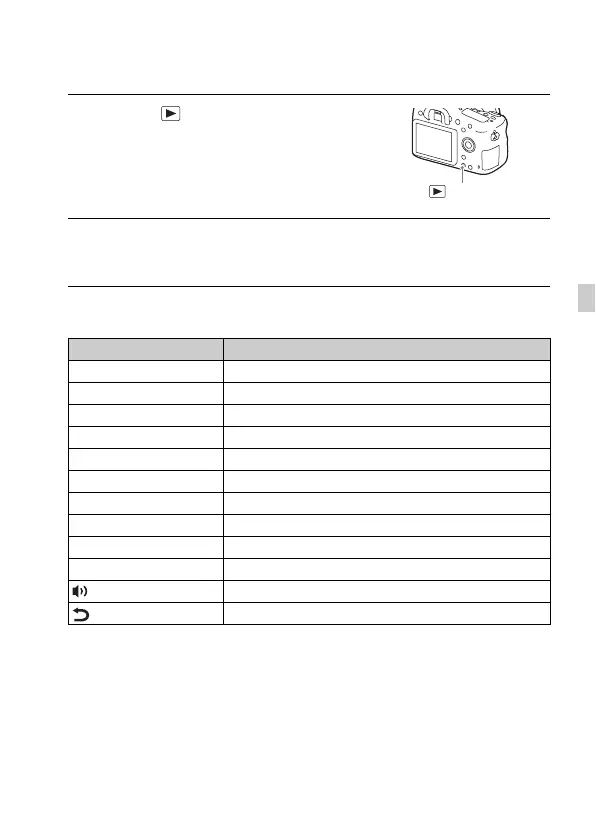
1 Press the button.
2 Select an image by pressing the b/B on the control wheel.
• To play back movies, press z on the control wheel.
Control panel Action during movie playback
N Playback
X Pause
M Fast forward
m Fast rewind
T Forward slow playback
t Rewind slow playback
> Next movie
. Previous movie
C Frame advance
c Frame rewind
Volume settings
Closes the control panel
button



 To Next Page