GB
17
GB
Functions list
Operating the camera
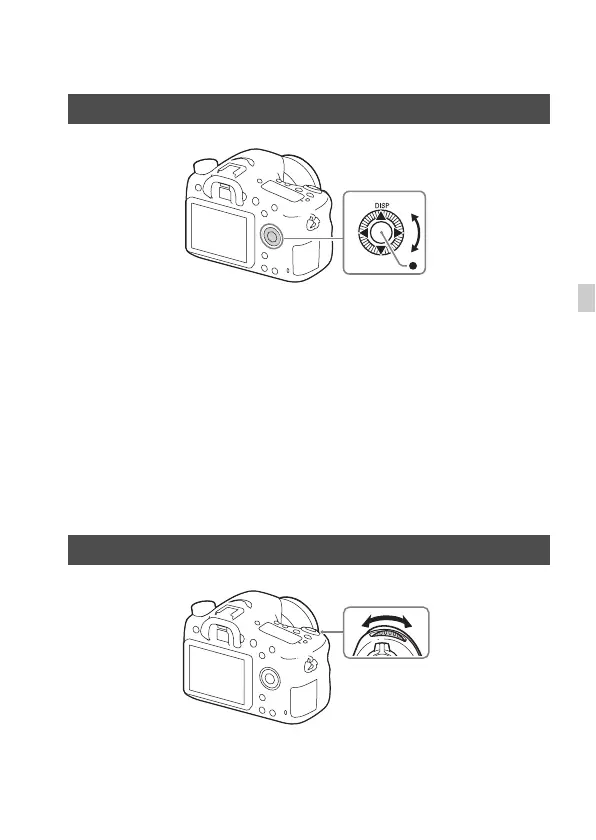
• You can turn the control wheel or press up/down/left/right on the control
wheel to move the selection frame. Press z in the center of the control
wheel to set the selected item. In this manual, the action of pressing the
up/down/left/right side of the control wheel is indicated by v/V/b/B.
• When you turn the control wheel or press b/B on the control wheel in
playback mode, you can display the previous or next image.
• DISP function is assigned to v on the control wheel. You can change the
screen display with this function.
• [Standard] is assigned to z in the center of the control wheel in the
default settings. When you press z, the autofocus function is activated
and the camera focuses on the subjects in the central area of the monitor.
You can turn the control dial to change the settings required for each
shooting mode with immediate effect.
How to use the control wheel
How to use the control dial



 To Next Page