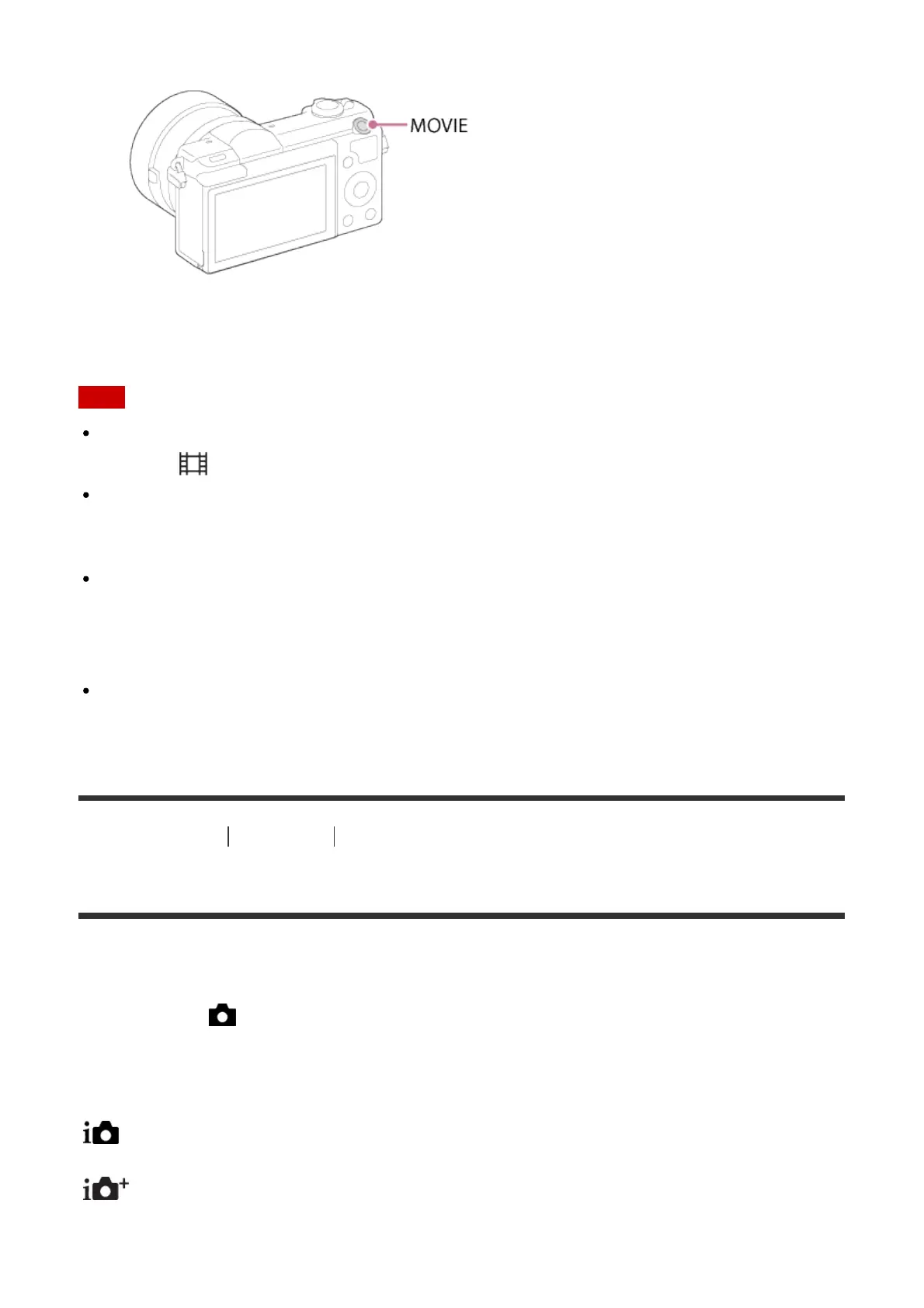
1. Press the MOVIE button to start recording.
2. Press the MOVIE button again to stop recording.
Note
To adjust the shutter speed and aperture value to the desired settings, set the shooting
mode to (Movie).
If you use a function such as zoom while shooting a movie, the noise of the product
operating will be recorded. The sound of the MOVIE button operating may also be
recorded when you press the MOVIE button to stop recording.
For the continuous shooting time of a movie recording, refer to "Recordable time of
movies." When movie recording is finished, you can restart recording by pressing the
MOVIE button again. Recording may stop to protect the product, depending on the
temperature of the product or the battery.
When shooting, the sound of the shoulder strap hooks (triangular hook) could be
recorded, depending on the situation used.
[28] How to Use Shooting Selecting a shooting mode
List of shooting modes
You can select a desired shooting mode.
1. MENU → (Camera Settings) → [Shoot Mode] → desired setting.
Available functions
(Intelligent Auto):
Allows you to shoot still images with the settings adjusted automatically.
(Superior Auto):
Allows you to shoot still images in higher quality than with Intelligent Auto mode.
P (Program Auto):



 To Next Page