Charging the battery pack
Preparing the camera
GB
51
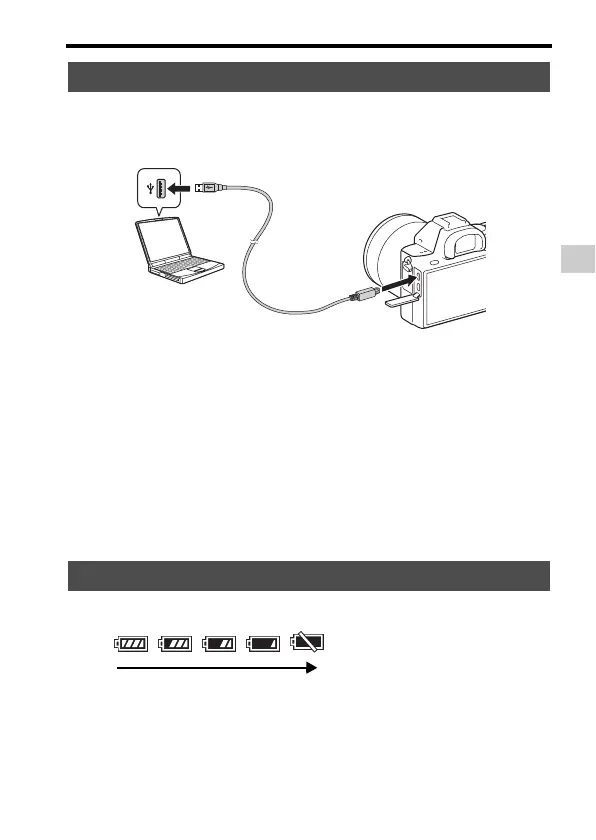
The battery pack can be charged by connecting the camera to a computer
using a micro USB cable. Connect the camera to the computer with the
camera turned off.
Notes
• If the camera is connected to a laptop computer that is not connected to a power
source, the laptop battery level decreases. Do not charge for an extended period of
time.
• Do not turn on/off or restart the computer, or wake the computer to resume from
sleep mode when a USB connection has been established between the computer and
the camera. The camera may cause a malfunction. Before turning on/off, or
restarting the computer or waking the computer from sleep mode, disconnect the
camera and the computer.
• No guarantees are made for charging using a custom-built computer or a modified
computer.
A remaining charge indicator appears on the screen.
Notes
• The remaining charge indicator may not be correct under certain circumstances.
Charging by connecting to a computer
Checking the remaining battery charge
High Low



 To Next Page