ILCE-7M4
5-063-133-11(1)
EN
7
C:\01EN-ILCE7M4CEC\01EN.indd
DTP data saved: 2024/07/05 12:16
PDF file created: 2024/07/05 12:17
EN
Shooting
Shooting still images
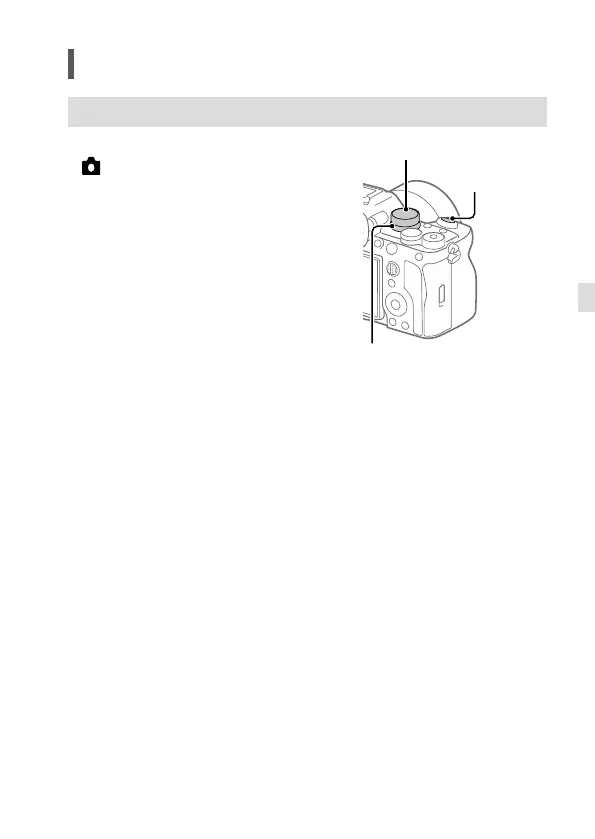
1 Set the Still/Movie/S&Q dial to
(Still) to select the still image
shooting mode.
2
Turn the mode dial and select the
desired shooting mode.
3 Press the shutter button halfway
down to focus.
4 Press the shutter button all the way
down.
Shutter button
Still/Movie/S&Q dial
Mode dial



 To Next Page