ILCE-7M4
5-063-133-11(1)
EN
8
C:\01EN-ILCE7M4CEC\01EN.indd
DTP data saved: 2024/07/05 12:16
PDF file created: 2024/07/05 12:17
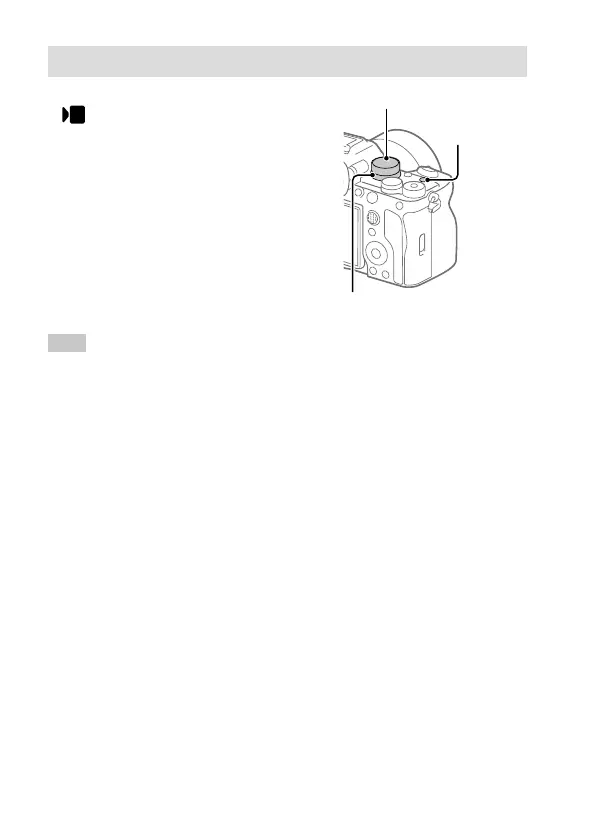
Shooting movies
1 Set the Still/Movie/S&Q dial to
(Movie) to select the movie
recording mode.
2 Turn the mode dial and select the
desired shooting mode.
3 Press the MOVIE (Movie) button to
start recording.
4 Press the MOVIE (Movie) button again
to stop recording.
MOVIE (Movie)
button
Mode dial
Still/Movie/S&Q dial
Hint
• The start/stop movie recording function is assigned to the MOVIE (Movie)
button in the default settings. Even without switching shooting modes in
Step 1, you can start movie recording from still image shooting mode by
pressing the MOVIE (Movie) button.



 To Next Page