ILCE-7RM4A
5-027-204-11(1)
GB
50
\\Win-473\camera\CX88900(MGA)_CX88800(CQA)_IM\01_Compose\MGA_GB\5027204111\5027204111ILCE7RM4AUC2\01GB-ILCE7RM4AUC2\030BAS.indd
DTP data saved: 2020/11/30 16:43
PDF file created: 2020/11/30 18:05
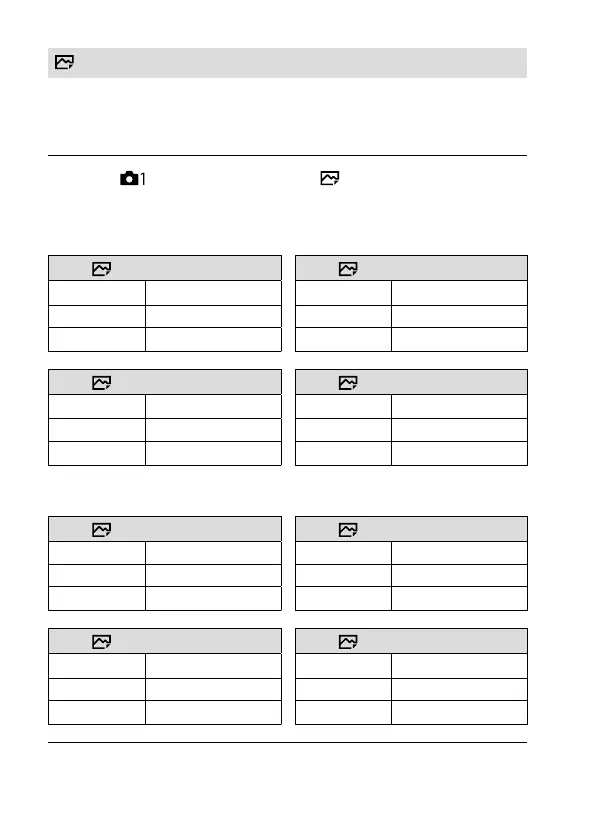
JPEG Image Size
The larger the image size, the more detail will be reproduced when the
image is printed on large-format paper. The smaller the image size, the
more images can be recorded.
MENU (Camera Settings 1) [ JPEG Image Size]
desired setting.
When recording in the full-frame size
When [ Aspect Ratio] is set to 3:2 When [ Aspect Ratio] is set to 4:3
L: 60M
9504×6336 pixels
L: 54M
8448×6336 pixels
M: 26M
6240×4160 pixels
M: 23M
5552×4160 pixels
S: 15M
4752×3168 pixels
S: 13M
4224×3168 pixels
When [ Aspect Ratio] is set to 16:9 When [
Aspect Ratio] is set to 1:1
L: 51M
9504×5344 pixels
L: 40M
6336×6336 pixels
M: 22M
6240×3512 pixels
M: 17M
4160×4160 pixels
S: 13M
4752×2672 pixels
S: 10M
3168×3168 pixels
When recording in the APS-C-equivalent size
When [ Aspect Ratio] is set to 3:2 When [ Aspect Ratio] is set to 4:3
L: 26M
6240×4160 pixels
L: 23M
5552×4160 pixels
M: 15M
4752×3168 pixels
M: 13M
4224×3168 pixels
S: 6.5M
3120×2080 pixels
S: 5.8M
2768×2080 pixels
When [ Aspect Ratio] is set to 16:9 When [ Aspect Ratio] is set to 1:1
L: 22M
6240×3512 pixels
L: 17M
4160×4160 pixels
M: 13M
4752×2672 pixels
M: 10M
3168×3168 pixels
S: 5.5M
3120×1752 pixels
S: 4.3M
2080×2080 pixels



 To Next Page