102
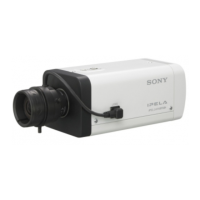
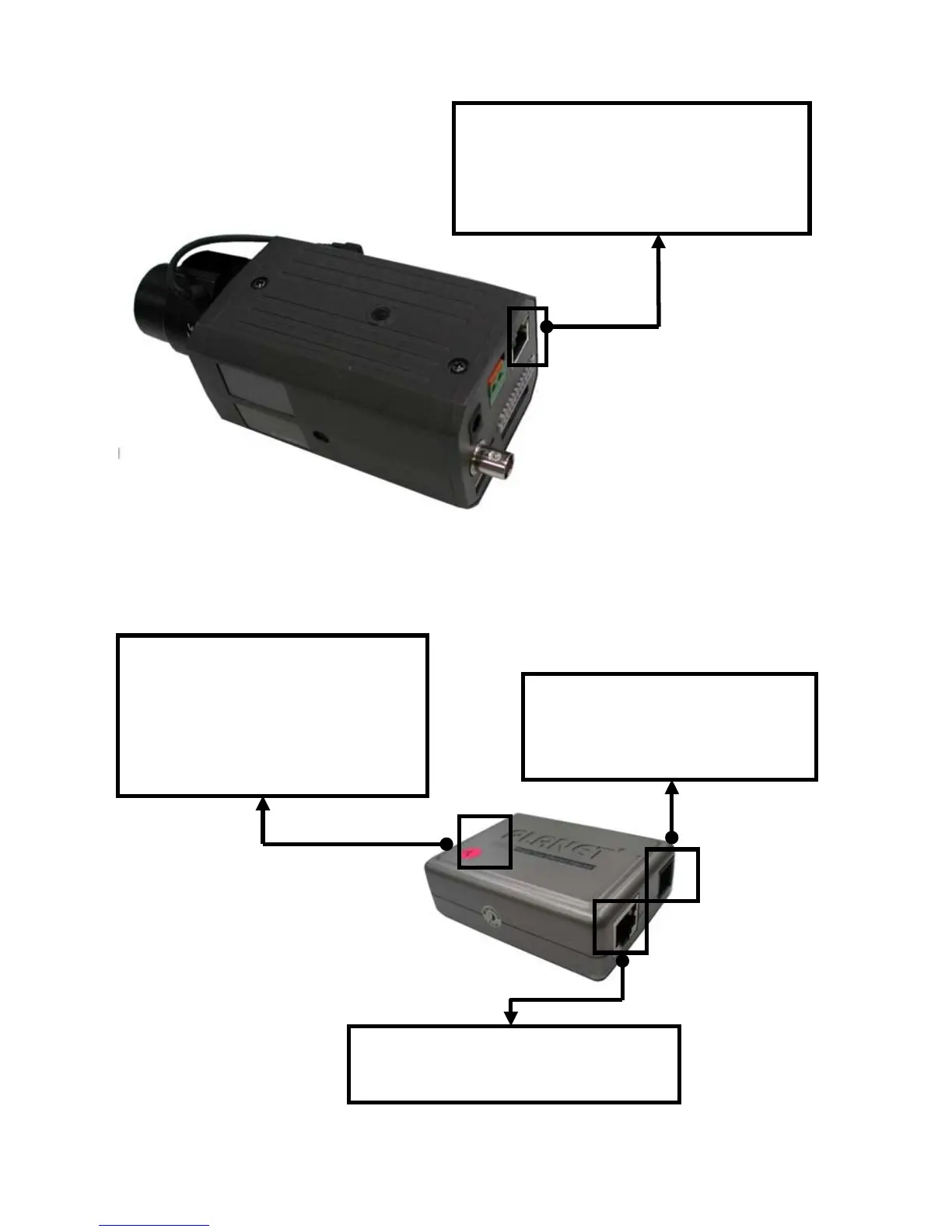
2. IP Box Camera
3. Power over Ethernet Injector
POWER+DATA IN: Connect a CAT 5 RJ-45
straight- through cable from the
POWER+DATA OUT port on the Power ove
ector.
POWER IN: Using the supplied 48V
power supply, connect to a wall
power outlet.
LAN IN: Connect a CAT 5 RJ-45
straight- through cable to your computer
POWER+DATA OUT: Provides the
data and power to the IP Indoor
Mini-dome camera. Connect this port
to the POWER+DATA IN port on the
IP box camera.


 To Next Page
 Loading...