28
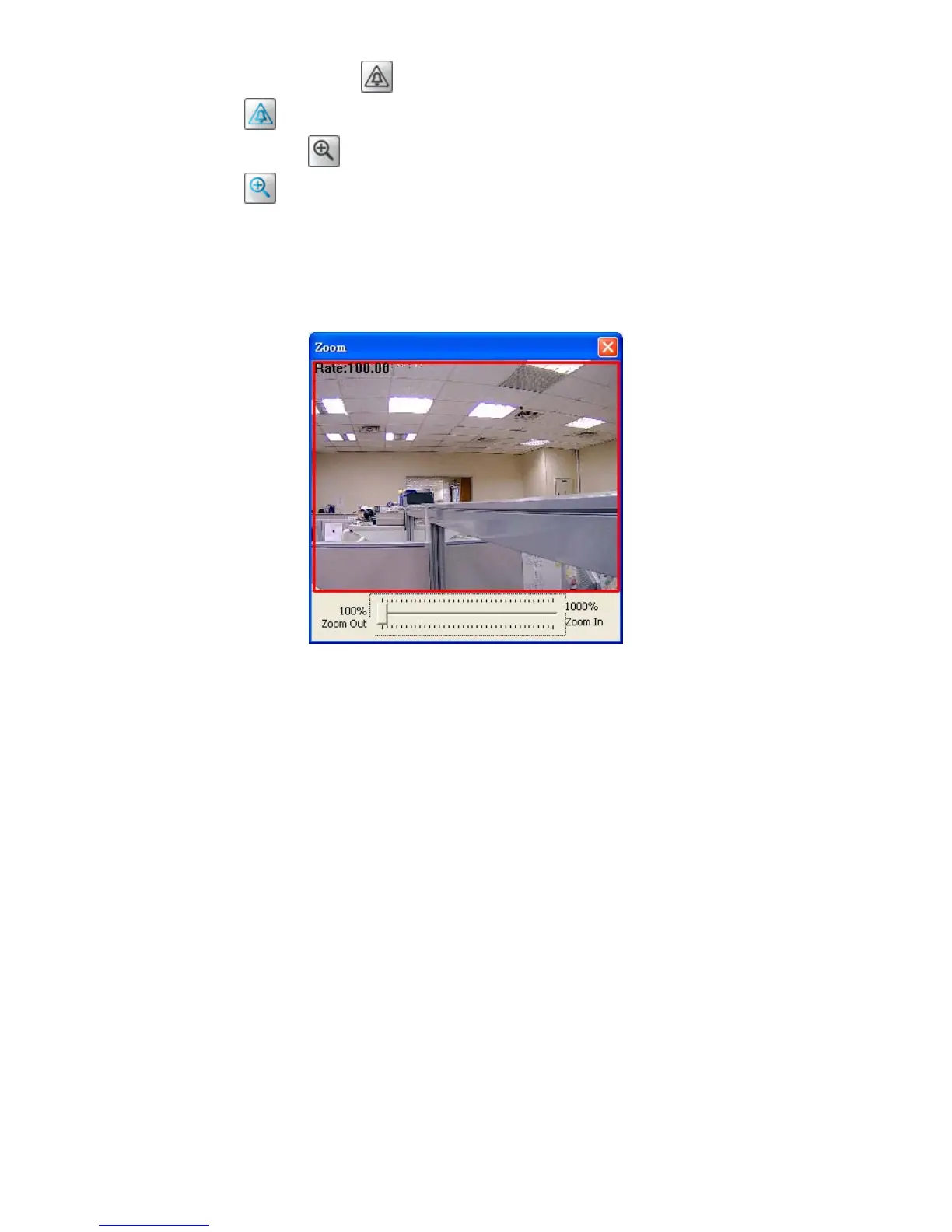
Digital output: Click on the button to start/stop digital output. The icon will change to a
blue color
while working effectively.
Zoom: Click on the
button to bring a popup “Zoom” window. The icon will change to a
blue color
while working effectively. Move the scrollbar "square" right or left to zoom
in or zoom out the Live View, and the red “Active Frame” will be narrowed down or
enlarged. You can drag the “Active Frame” to the desired position to see the detail of the
live image.
Live Video: Click to go back to the device’s homepage.
Setup: Click to proceed to the advanced settings.
Logout: Click to close the window.



 To Next Page