59
5.1.3.5 Change the Application Setting
Please follow the steps below to change the application setting through the network as necessary.
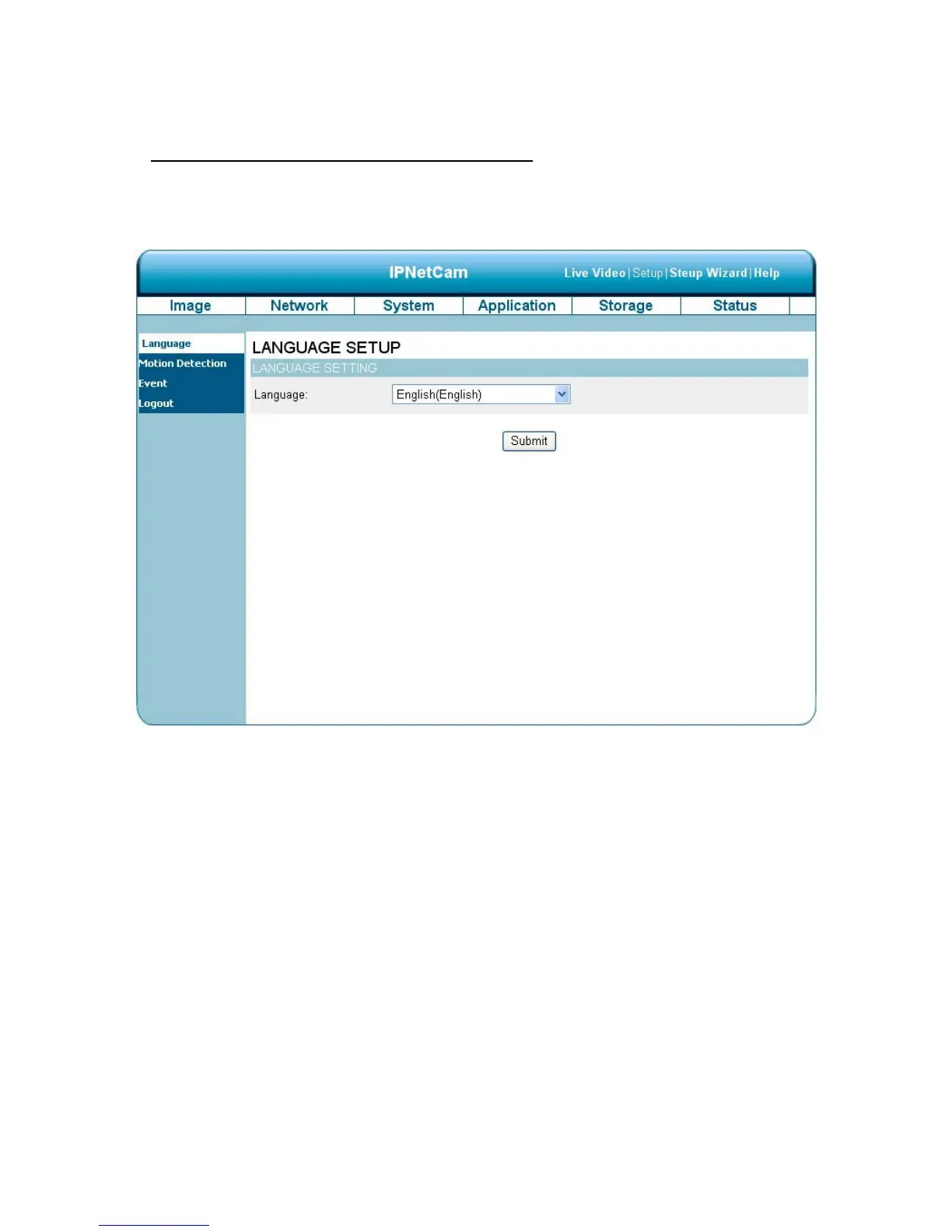
Change the Application Setting —Language Setting.
Please follow the steps below to change the Language setting via the network as necessary.
1. Click on the Language button on the left side to enter the “Language Setting” page.
You have an option as to which language to use.
2. Choose your selected language and click "Submit" to set it.



 To Next Page