97
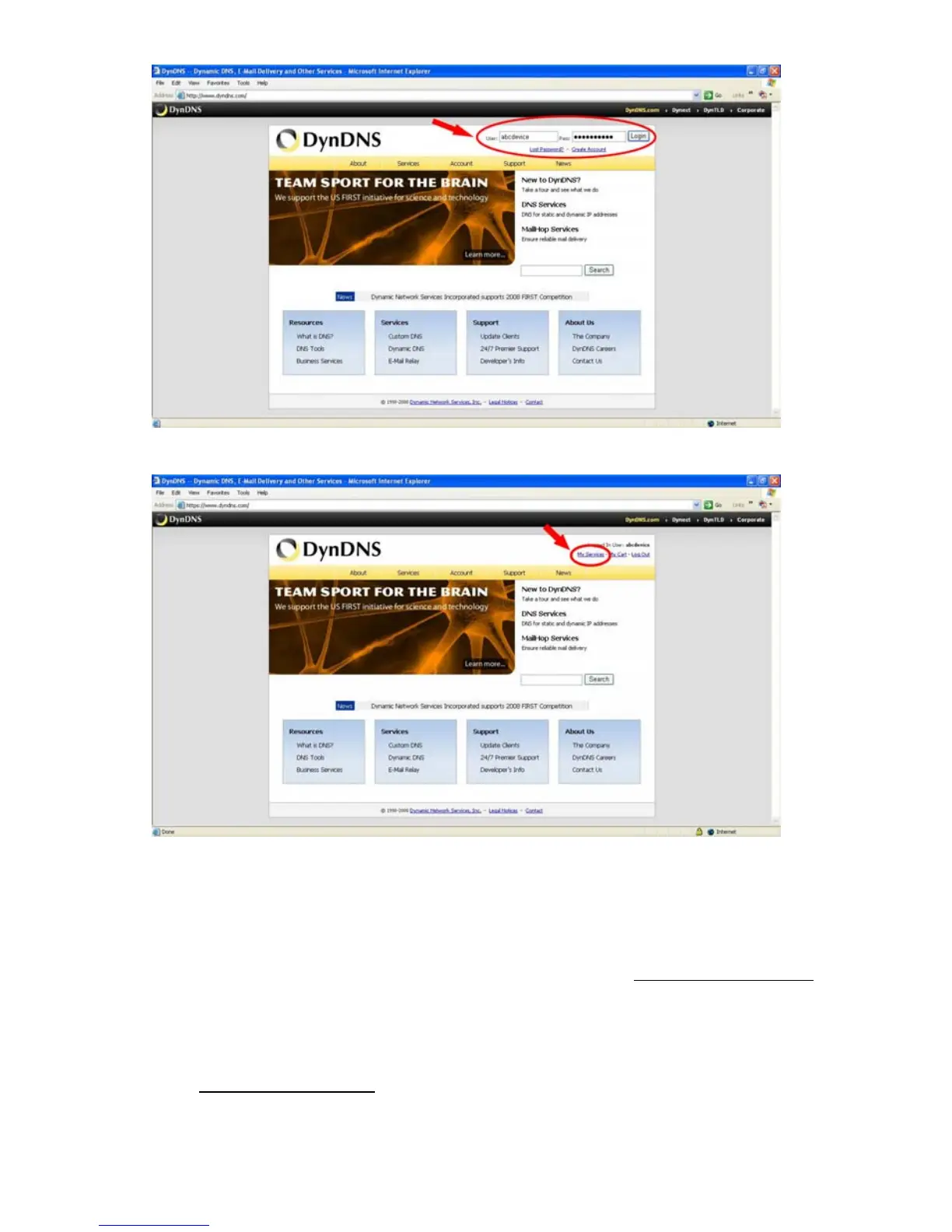
Figure 2
Figure 3
Click “My Services” to enter the service page. Please click the “Add Host Service” item
which is below the ”My Hosts“ item, as shown in Figure 4.
Click “Add Host Service”, and its service items will appear. The Add Dynamic DNS Host
item helps to add a new DDNS. Each member may have only one free account, and one
free account can have only five DDNS.
Click Add Dynamic DNS Host
to enter the DDNS setting page as shown in Figure 5.



 To Next Page