Adjusting the volume balance between game and chat (game/chat balance)
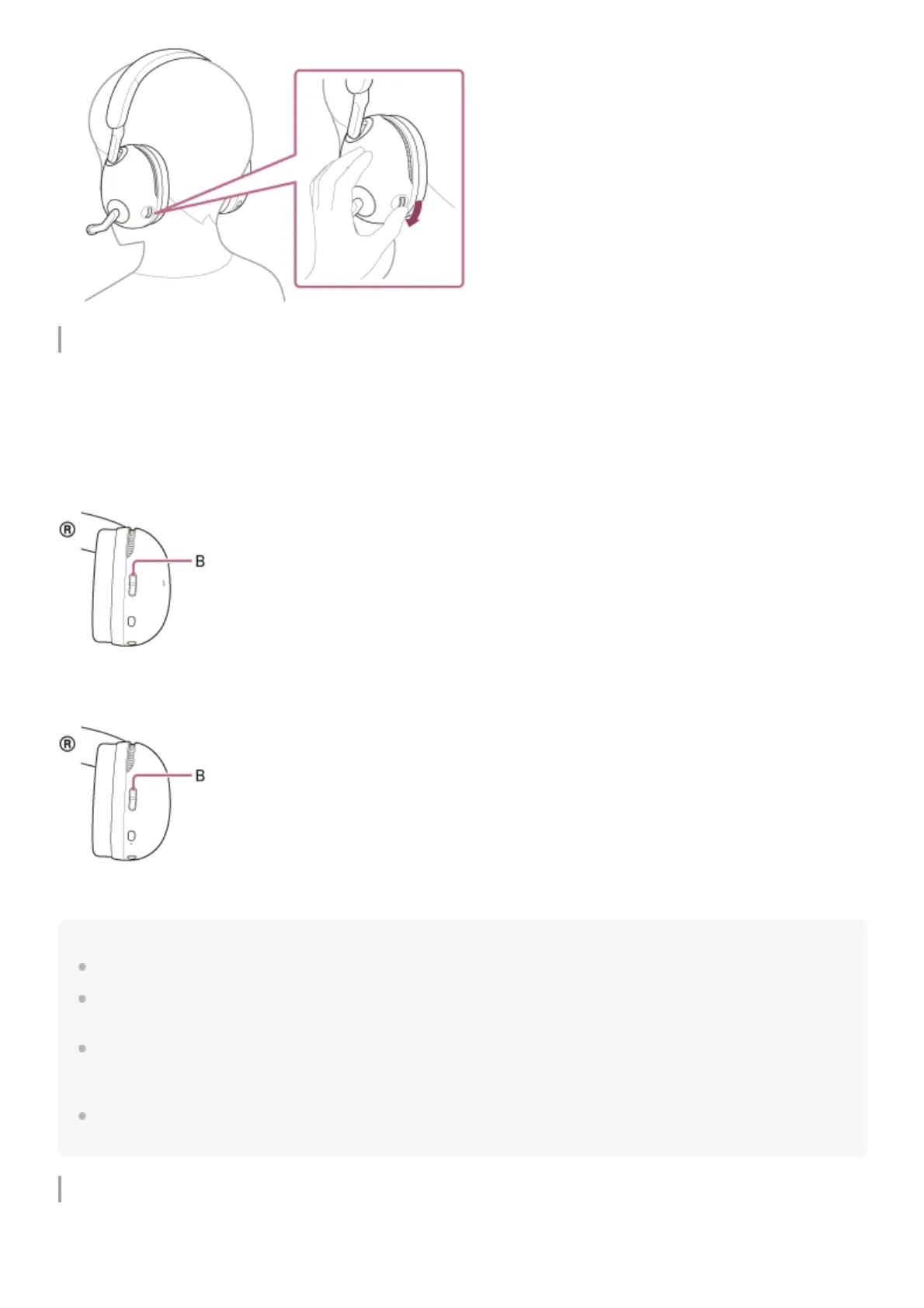
You can adjust the volume balance between the game sound and voice chat with the GAME/CHAT (game/chat balance)
button.
When you press the GAME button, the voice chat sound will be quieter and the game sound will be easier to hear.
When you press the CHAT button, the game sound will be quieter and the voice chat sound will be easier to hear.
INZONE H9:
INZONE H7:
B: GAME/CHAT (game/chat balance) button
Note
Some games may not support the GAME/CHAT (game/chat balance) button.
The GAME/CHAT (game/chat balance) button is only effective for adjusting the volume balance of the game console connected
via the USB transceiver. The volume balance with a Bluetooth device cannot be adjusted.
When using the game app and chat app on your computer, set the output destination of the game app to [INZONE H9 / INZONE
H7 - GAME] and the output destination of the chat app to [INZONE H9 / INZONE H7 – CHAT] in the app settings.
If the settings are incorrect, the volume balance between the game sound and voice chat is not adjusted properly.
Be careful since when you press the CHAT button while the audio output device of the computer is set to [INZONE H9 / INZONE
H7 - CHAT], the volume of games, etc. will be increased.
Switching the microphone on/off
When the boom microphone is lowered, the microphone turns on. When the boom microphone is raised, the microphone
turns off.



 To Next Page