INZONE H7:
When you pair the headset with a device for the first time after purchase, or after initializing the headset (if the
headset has no pairing information), the headset enters pairing mode automatically.
In this case, proceed to step
.
When you pair a second or subsequent device (the headset already has pairing information for other devices),
you need to operate manually to enter pairing mode.
In this case, proceed to step
-3.
Press and hold the
(Bluetooth) button for about 5 seconds to enter pairing mode.
You will hear a notification sound indicating that the headset enters pairing mode.
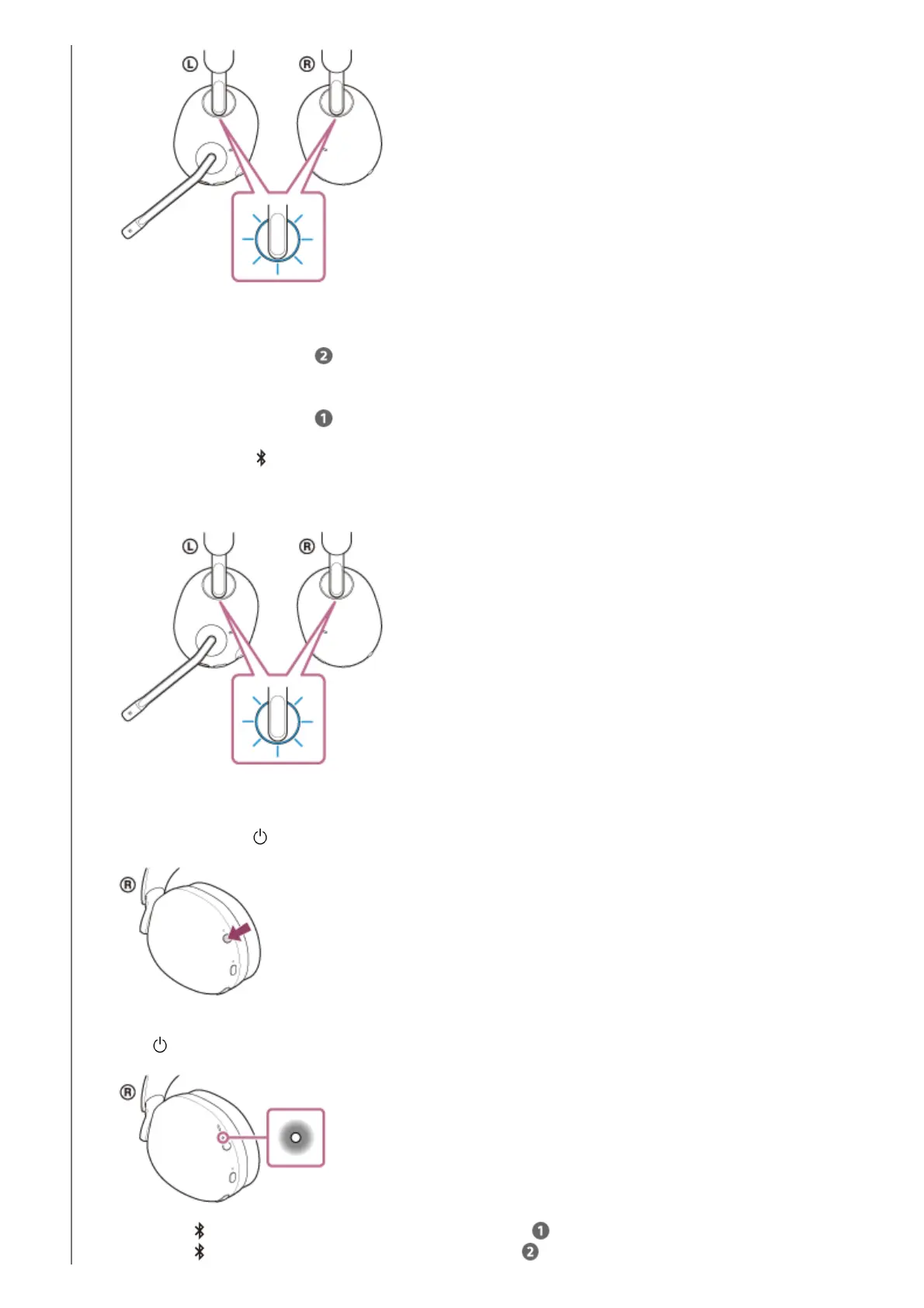
The left and right ring indicators (blue) repeatedly flash twice in a row.
3.
Press and hold the
(power) button for about 2 seconds or more to turn on the headset.
You will hear a notification sound indicating that the headset is turned on.
The
(power) indicator (white) lights up for about 2 seconds.
When the (Bluetooth) indicator turns off, proceed to step -2.
When the
(Bluetooth) lights up in blue, proceed to step .
1.



 To Next Page