INZONE H7:
If the headset has automatically connected to the last connected device, you will hear a notification sound indicating
that the connection is established.
Check the connection status on the Bluetooth device. If it is not connected, proceed to step
.
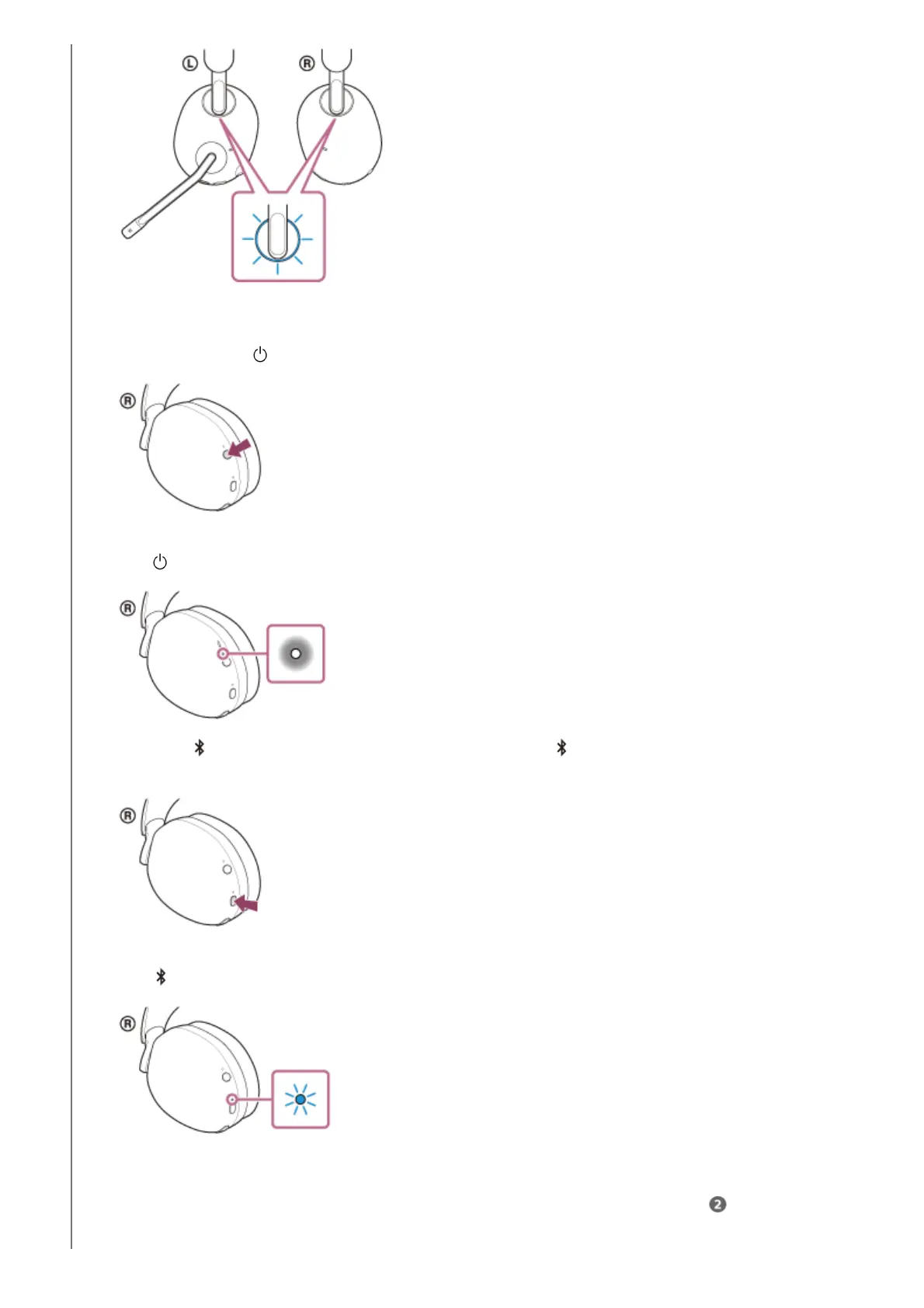
Press and hold the (power) button for about 2 seconds or more to turn on the headset.
You will hear a notification sound indicating that the headset is turned on.
The
(power) indicator (white) lights up for about 2 seconds.
1.
When the
(Bluetooth) indicator turns off, press and hold the (Bluetooth) button for about 2 seconds to
turn on the Bluetooth mode.
You will hear a notification sound indicating that the Bluetooth mode is turned on.
The
(Bluetooth) indicator (blue) lights up for about 2 seconds, and then flashes slowly.
2.



 To Next Page