Hint
Adjust the volume with the connected device and headset.
Note
Depending on the connected device or playback application you are using, when you make a call during music playback,
playback may not resume automatically even after you finish the call.
Use a smartphone or mobile phone at least 50 cm (19.69 in.) away from the headset. Noise may result if the smartphone or
mobile phone is too close to the headset.
Your voice will be heard from the headset through the headset’s boom microphone (Sidetone function). In this case, ambient
sounds or the sounds of the headset operation may be heard through the headset, but this is not a malfunction.
Related Topic
When the volume reaches the maximum or minimum, you will hear a notification sound.
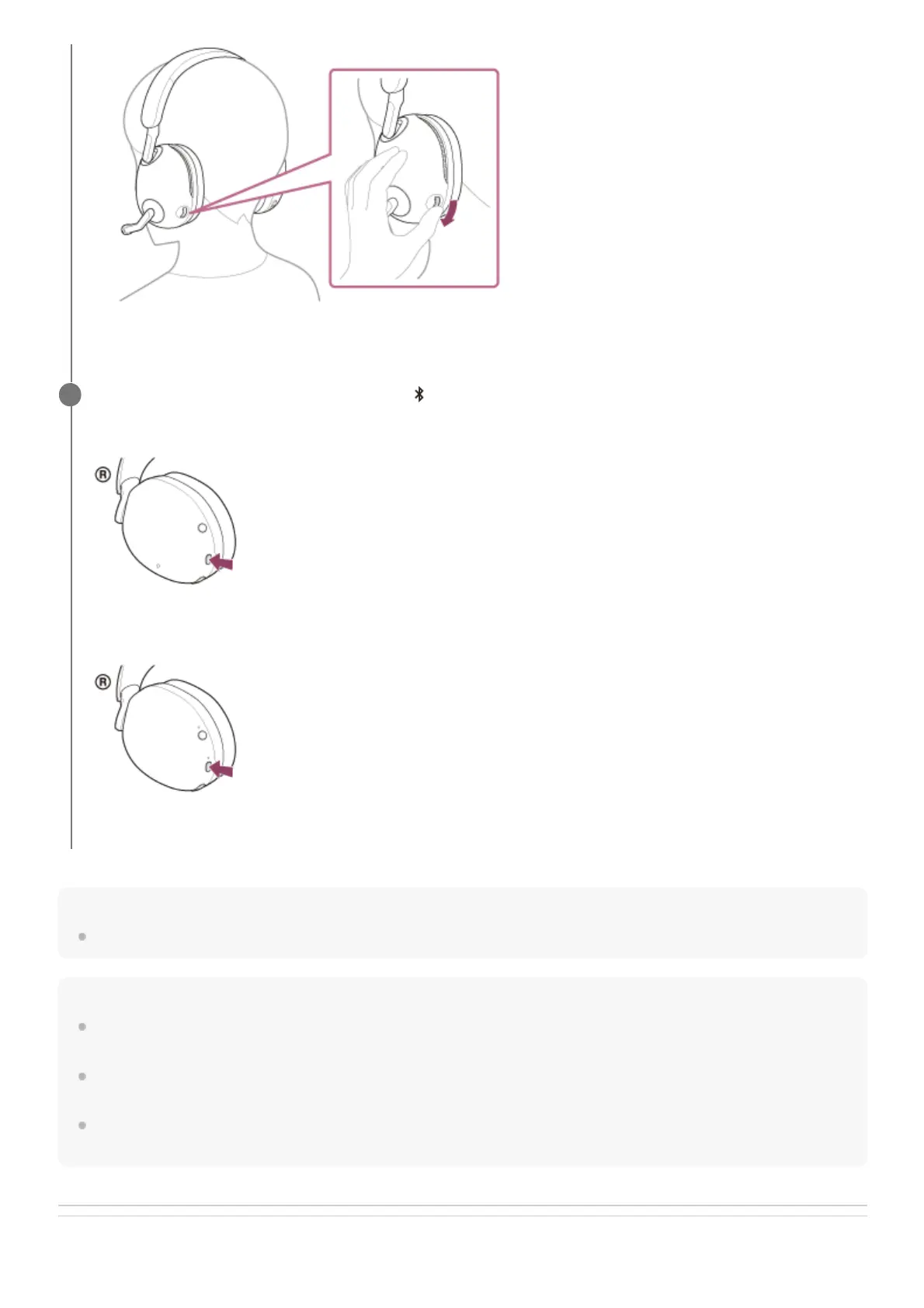
When you finish your phone call, press the (Bluetooth) button on the headset to end the call.
INZONE H9:
INZONE H7:
If you made a call during music playback, music playback resumes automatically after ending the call.
4



 To Next Page