
 To Next Page
B
Brandon JensenSep 23, 2025
How to turn off Store Display Mode on Sony KDL-48R530C?
- LlesterbarbaraSep 23, 2025
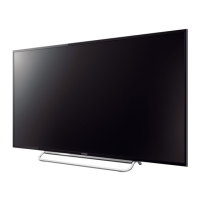
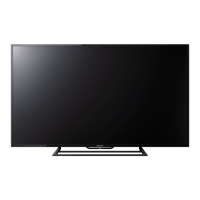
To turn off Store Display Mode or Promoting Feature Logo that appears on the screen of your Sony TV, on the remote control, press RETURN then press HOME and select [Settings] then [Preferences] then [Setup] then [Initial Setup]. Be sure to select [Home] in [Location].
 General