20
KLV-26M400A/32M400A/37M400A/40M400A
KLV-26M400A/32M400A/37M400A/40M400A
2-4. CHANGING SERVICE DATA
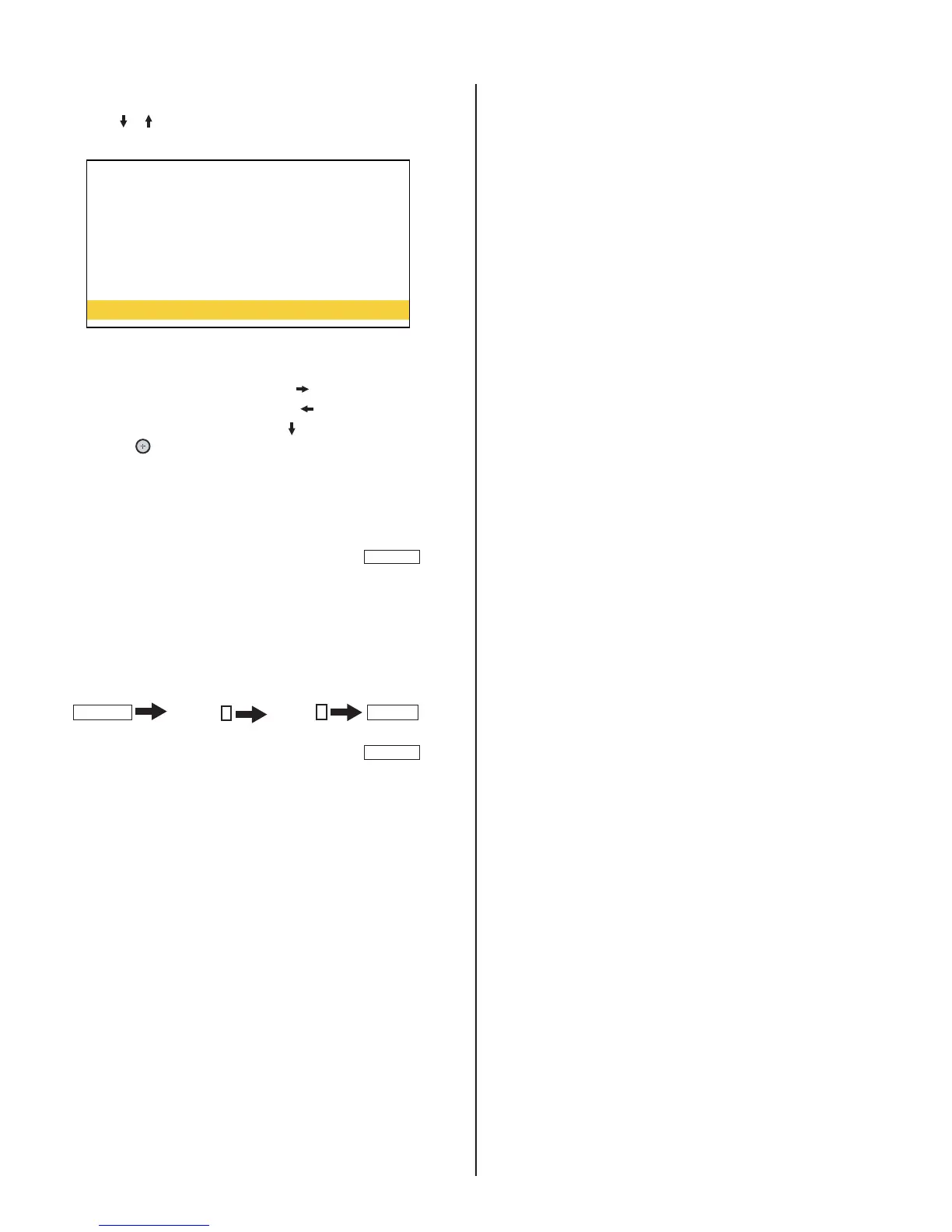
1. Use the or arrows to select the Adjustment Item you want to
change
TV
R_DRIVE 256
G_DRIVE 256
B_DRIVE 256
R_BKG 512
G_BKG 512
B_BKG 512
COLOR SAVE
2. To change the data value:
a. To increase the data value, press the arrow.
b. To decrease the data value, press the arrow.
3. To save the data value changes, press to select COLOR SAVE ,
then press
button.
2-4-1. EXITING SERVICE MODE
After completing the changes, exit service mode.
4. To exit service mode, turn the power off by pressing
POWER
.
2-5. VERIFYING SERVICE DATA CHANGES
1. After completing all adjustments turn the set off with the Remote
Commander and then proceed to the next step.
2. Press the following arrows on the Remote Commander within a
second of each other:
DISPLAY
Channel
5
Volume
+
POWER
.
3. To verify the changes repeat step 1 of 2-4. Changing Service Data.
4. To exit service mode, turn the power off by pressing
POWER
.





 To Next Page