Help Guide
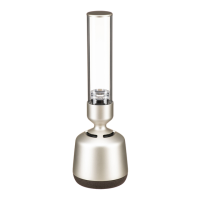
Glass Sound Speaker
LSPX-S2
Unable to find the controller (operating device) / Controller is unable to access the
speaker
Make sure that your Wi-Fi router (access point) is on.
If you are connected to Wi-Fi network, place the speaker near the Wi-Fi router (access point), and then redo the
settings.
Check whether the controller and the speaker are both connected to a Wi-Fi router with the same SSID.
If the multicast control of Wi-Fi router or access point is in the middle of an operation, stop the operation. For details,
refer to the operating instructions for the Wi-Fi router you are using.
4-748-325-11(1) Copyright 2019 Sony Corporation


 To Next Page