Help Guide
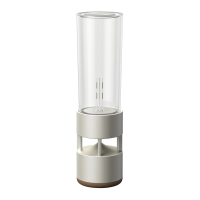
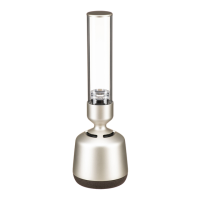
Glass Sound Speaker
LSPX-S2
The speaker does not appear on the device selection screen in the computer’s music
playback app
A lot of computer software cannot select the speaker as a destination for audio output.
Use software, such as Windows Media Player, that can select the destination for output.
Check the Wi-Fi connection.
Check whether the speaker is connected to a Wi-Fi router with the same SSID as the computer.
If the speaker is not on, turn it on.
The music playback app may not work correctly on PCs that use a firewall or commercially available firewall
software.
If you are using firewall software, disable it. For details, refer to the operating instructions and help for the firewall
software.
4-748-325-11(1) Copyright 2019 Sony Corporation


 To Next Page