Hint
If you want to set a fixed IP address, set the IP address in the screen in step
above.
Once the speaker is connected to Wi-Fi, either restore your computer to its original connection or connect your computer to the
Wi-Fi router you are using.
Note
This procedure needs to be completed within 30 minutes. If you cannot complete the procedure within 30 minutes, start over from
step
.
Your connection is not secure until you finish the Wi-Fi settings. Your Wi-Fi connection becomes secure again after you finish the
Wi-Fi settings, and then do the settings for Wi-Fi security.
If you are connecting the speaker to Wi-Fi for the first time after purchase, the BLUETOOTH/Network Standby function
automatically turns on.
4-748-325-11(1) Copyright 2019 Sony Corporation
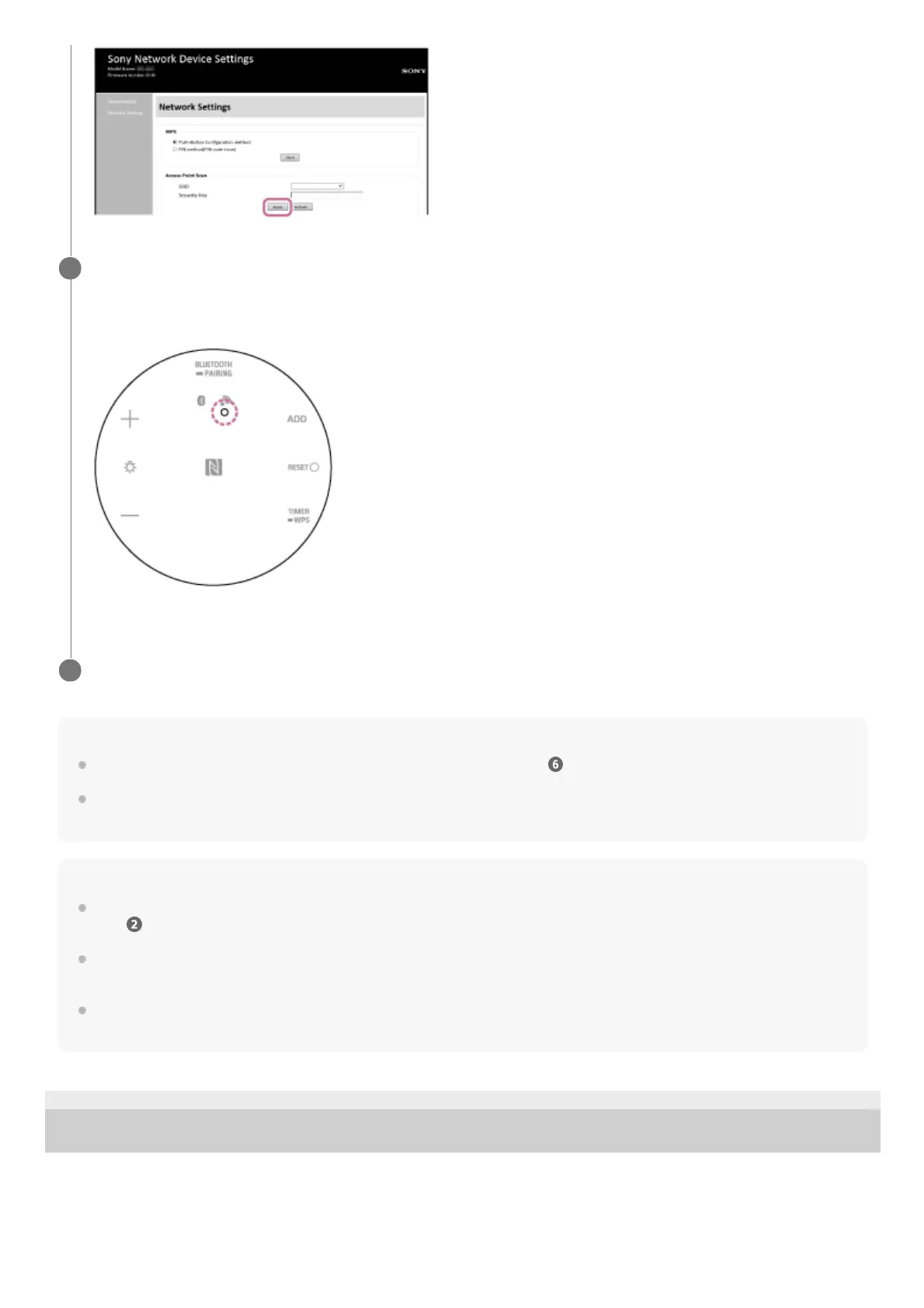
Check that the network indicator lights up white.
If the network indicator lights up white, then the speaker is connected to Wi-Fi.
It may take more than 1 minute for the network indicator to light up.
Connection is completed.
8
Connect your computer to the Wi-Fi router you are using.
9



 To Next Page