Help Guide
Glass Sound Speaker
LSPX-S2
Setting up the PC as a DLNA server (Windows 10)
Windows 10 supports DLNA1.5. A Windows 10 computer can be used both as a DLNA server and a controller (control
device).
If you do the following settings, you can control the music stored on a DLNA server (including computers with Windows
10) on your home network by using a computer with Windows 10 to enjoy listening to music on the speaker.
If you download Sony | Music Center to your smartphone/iPhone, or similar device, and use a PC with Windows 10, also
do the procedure in “Connecting to Wi-Fi to listen to music on your computer (operating Windows Media Player through
Sony | Music Center).”
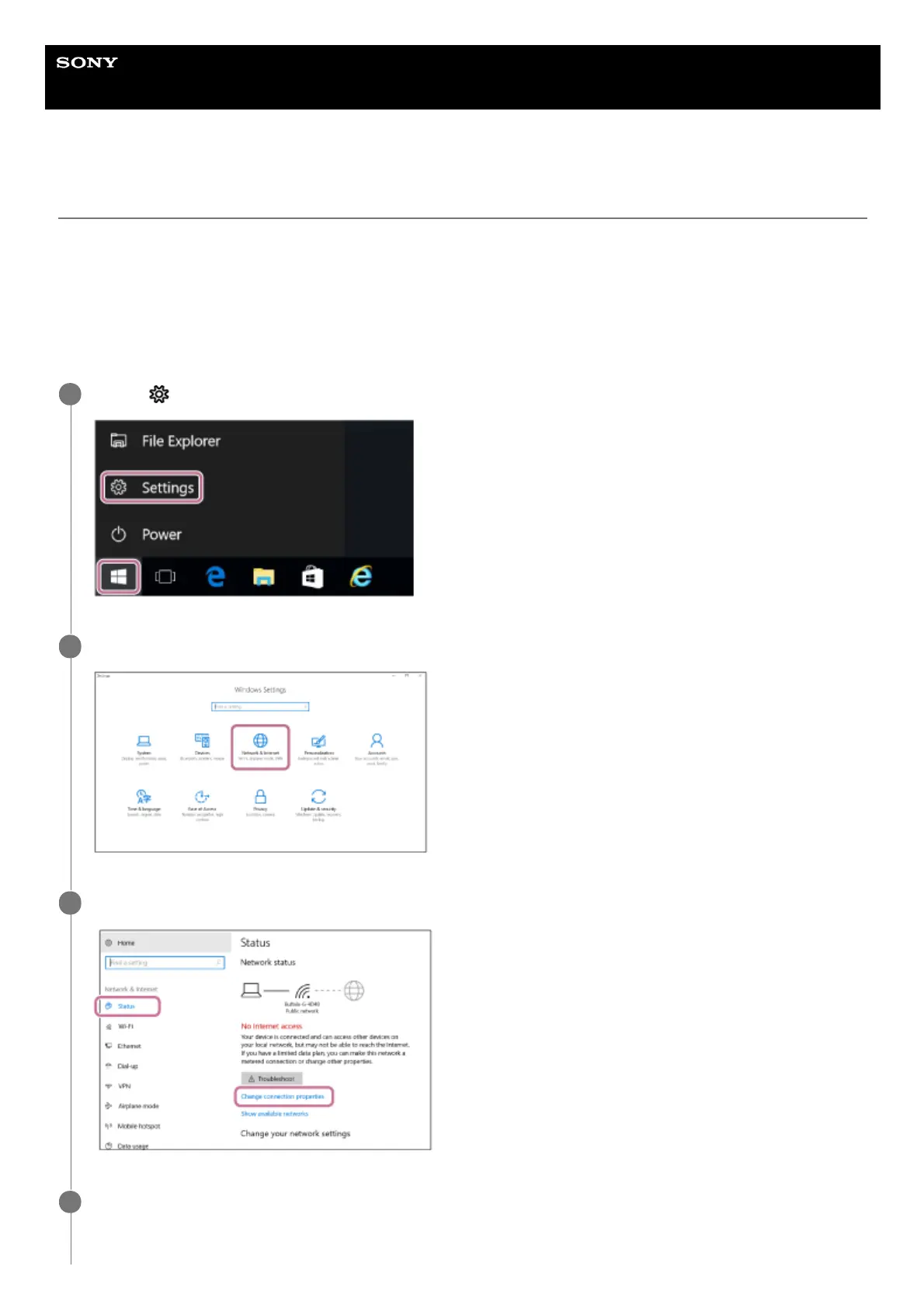
Select [
Settings] from the Start menu on the left-bottom of the screen.
1
Select [Network & Internet].
2
Select [Status] – [Change connection properties].
3
Select [Private].
4



 To Next Page