Help Guide
Glass Sound Speaker
LSPX-S2
Connecting to Wi-Fi to listen to music on your computer (operating Windows Media
Player through Sony | Music Center)
You can control the music stored on a computer (Windows 8.1 or later) on your home network by using a
smartphone/iPhone, or similar device, to enjoy listening to music on the speaker.
To operate computer with Windows 8.1 or later after downloading Sony | Music Center on the smartphone/iPhone, etc.,
follow the steps below.
Select [Windows Media Player] in [All apps].
1
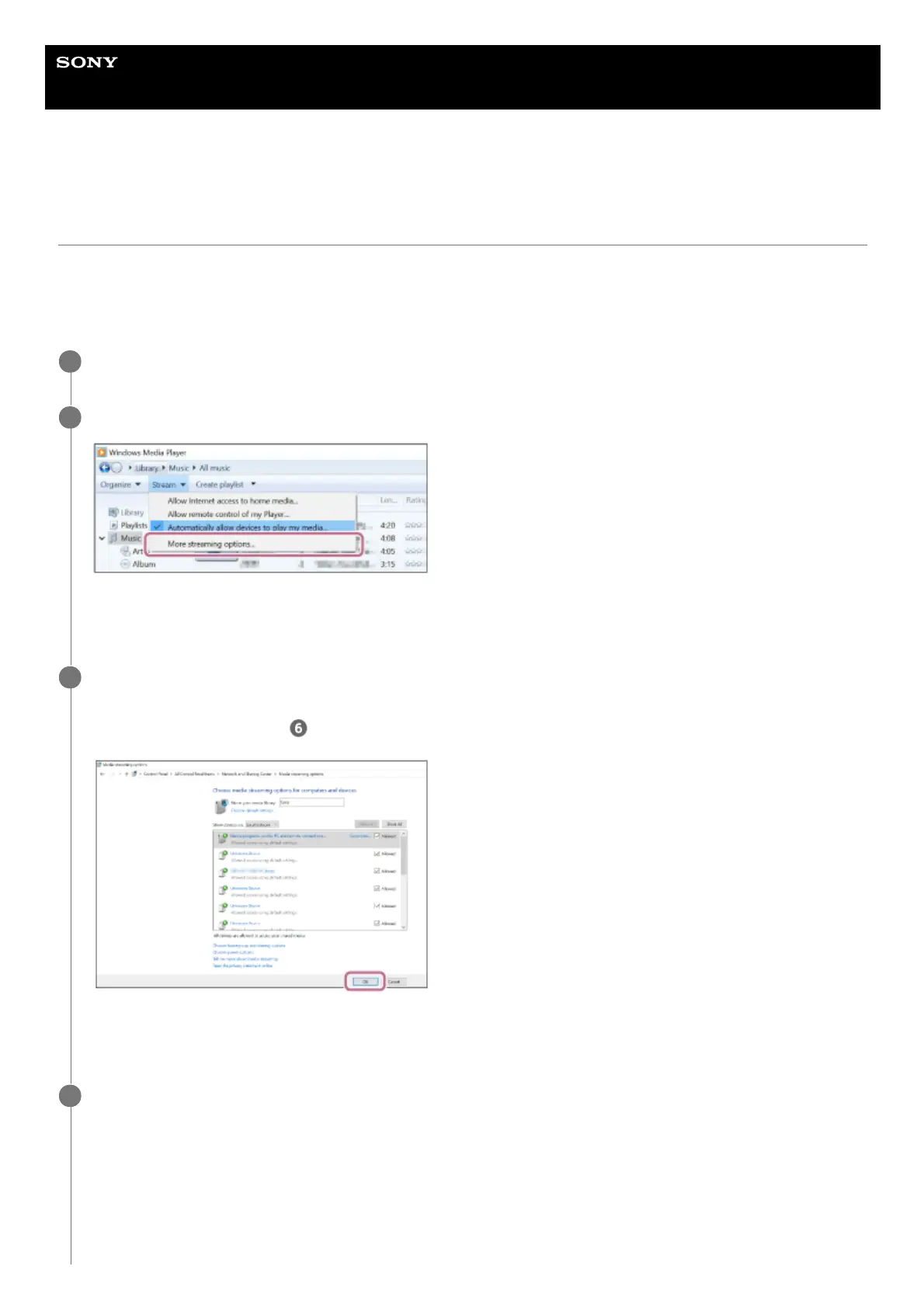
Click or tap [Stream], then select [More streaming options...].
If [More streaming options...] does not appear, select [Turn on media streaming...]. Then select [Turn on media
streaming] on the [Media streaming options] screen.
2
Check that all the devices are allowed, then select [OK] (in some versions, select [Next]) to close the
screen.
If [OK] is selected, go to step
.
If not all devices are allowed, select [Allow All], then the [Allow All Media Devices] screen appears. Then, select
[Automatically allow all computers and media devices.] to allow all devices.
3
Check that [Music] is set to [Shared], then select [Next].
4



 To Next Page