Related Topic
Connecting to Wi-Fi to listen to music on your computer (Windows Media Player)
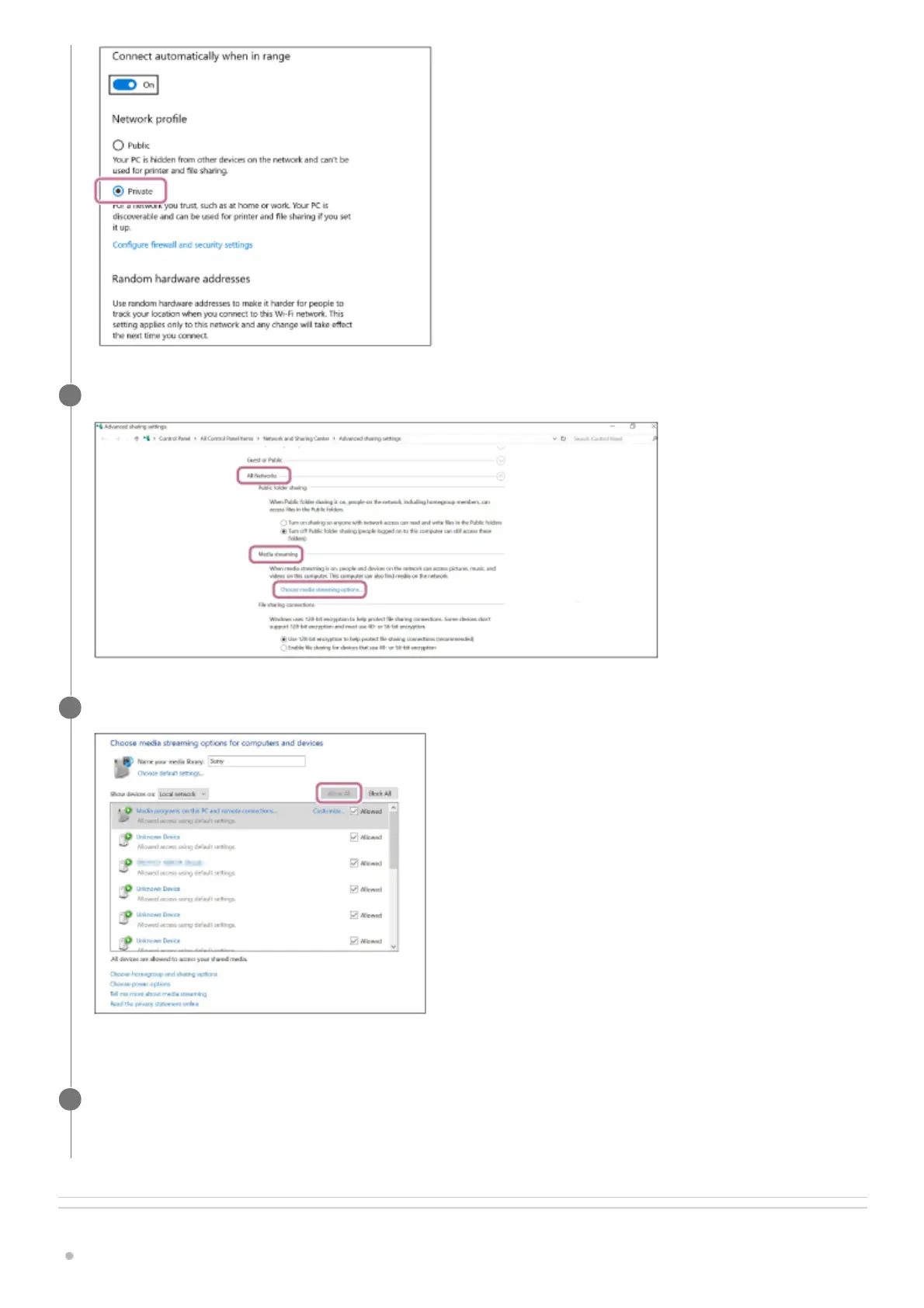
Select [Choose media streaming options...] from [Media streaming] in [All Networks].
5
Select [Allow All].
The [Allow All Media Devices] screen appears.
6
Select [Allow all computers and media devices].
If all the devices in the local network are allowed ([allow]) to access your network, select [OK] and close the screen.
7



 To Next Page