44
Editing Recorded MDs
Moving Tracks (MOVE)
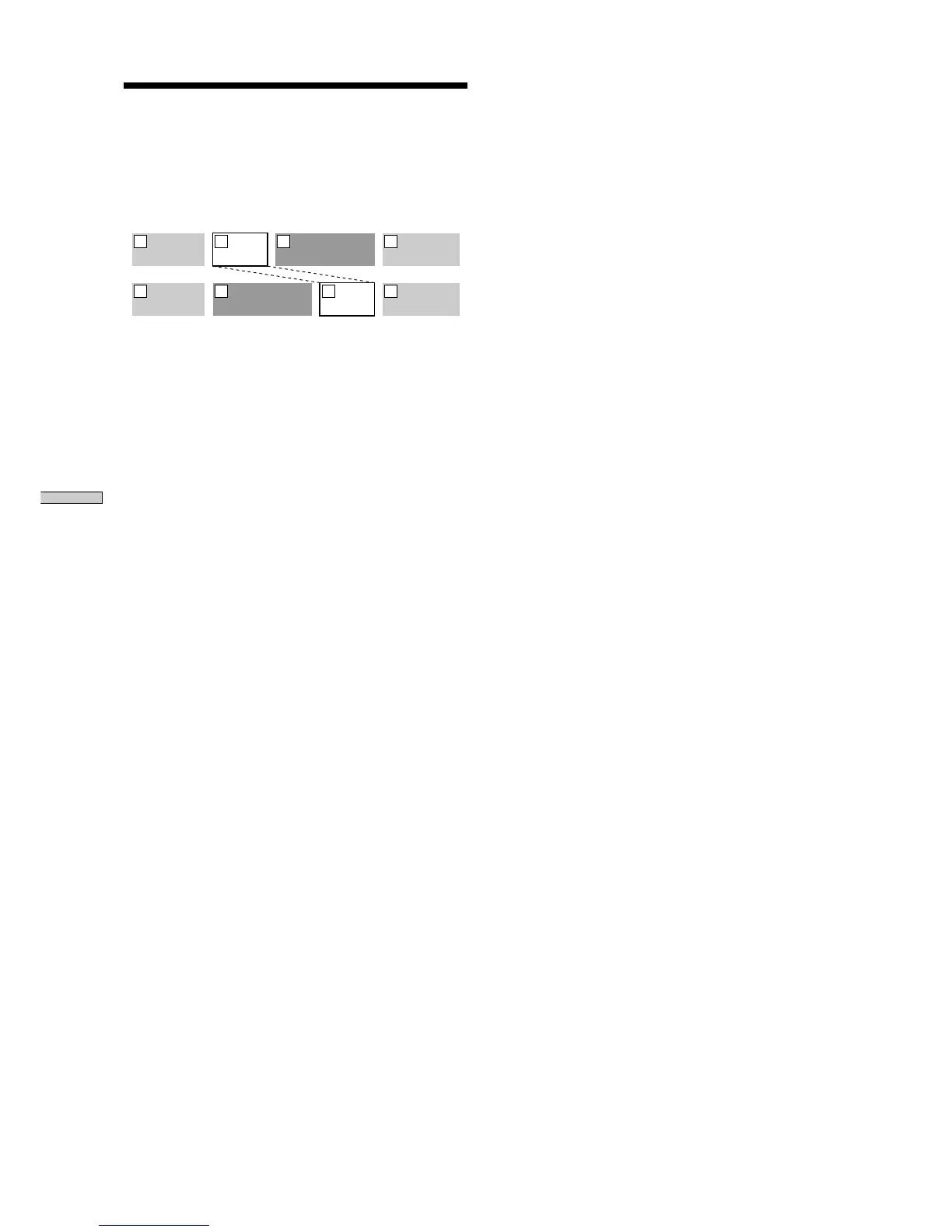
This function lets you change the order of any track
Example: Moving the second track after the third
track
AAA BBB CCC DDD
1 2 3 4
AAA BBBCCC DDD
1 32 4
After you move a track, the tracks are automatically
renumbered.
1 Press MENU/NO while the recorder is stopped,
playing, or paused.
“Edit Menu” appears in the display.
2 Turn AMS (or press ./> repeatedly) until
“Move?” appears in the display; press AMS or YES.
3 Turn AMS (or press ./> repeatedly) until the
number of the track to be moved appears, then
press AMS or YES.
4 Turn AMS (or press ./> repeatedly) until the
new track position appears, then press AMS or YES.
“Complete!” appears for a few seconds, and the track is
moved. The recorder begins playback of the moved
track.
To cancel the operation
Press MENU/NO or x.



 To Next Page