17
Changing Settings
Canceling the Auto-run Function
Temporarily
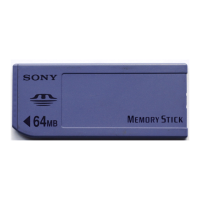
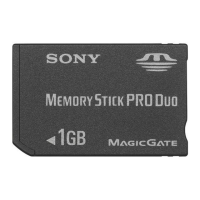
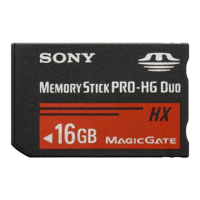
When you need to rearrange data stored in several Memory Stick media,
you may not want applications to automatically start. You can
temporarily cancel the auto-run feature using this procedure.
1 From the Home screen, start MS Autorun.
2 Tap the menu icon.
3 Tap Preferences.
The Preferences dialog box appears.
4 Tap the Disable checkbox in Autorun to select it.
5 Tap OK.
The auto-run function is temporarily canceled.
zTo enable the auto-run function
Perform steps 1-3, listed above. Tap to clear the check mark in the Disable check
box.


 To Next Page