18
Deleting the Auto-run Setting
When you delete the auto-run setting, you cancel the auto-run function
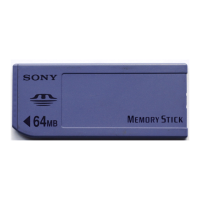
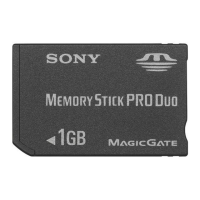
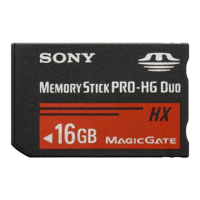
on the Memory Stick media.
1 From the Home screen, start MS Autorun.
2 Insert the Memory Stick media into the Memory Stick slot.
3 Tap the menu icon.
4 Tap Tools.
The Tools dialog box appears.
5 Tap Delete autorun setting.
The Delete setting dialog box appears.
6 Tap OK.
The auto-run setting is deleted.
7 Tap close.
zWhere to store the auto-run setting
The auto-run setting of MS Autorun is stored in the file named
“\PALM\DEFAULT.ARN” in the Memory Stick media. You can delete auto-run
settings by deleting this file using your computer.


 To Next Page