26
Adjusting the audio output level
— DVD level
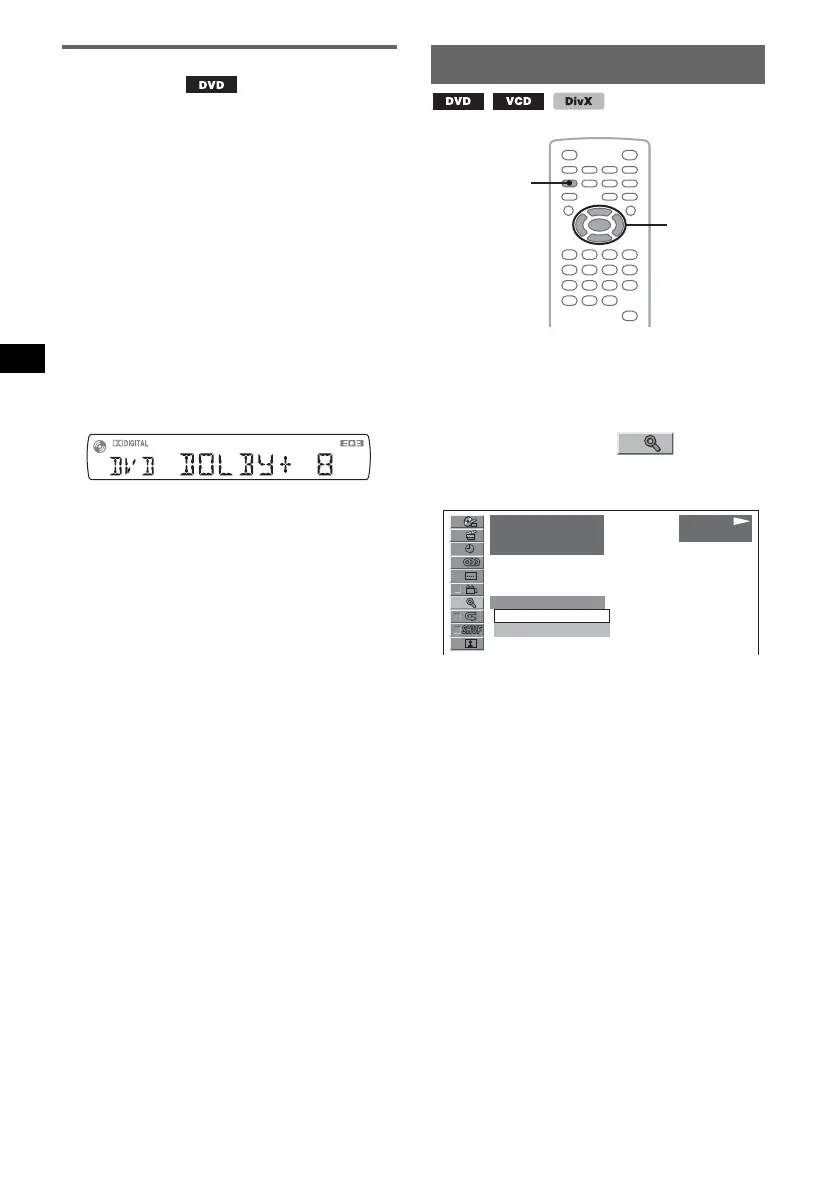
You can adjust the audio output level for a DVD
recorded in Dolby Digital format, to reduce the
volume level differences between disc and
source.
1 During playback, press
(SYSTEM SETUP).
The system setup item appears on the main
unit.
2 Press M/m to select “DVD-LEVEL,”
then press (ENTER).
3 Press m to set to “ADJST-ON,” then
press (ENTER).
4 Press M/m to adjust the output level.
The output level is adjustable in single steps,
between –10 and +10.
5 Press (ENTER).
The setting is complete.
With the main unit
Press and hold the volume control dial instead of
pressing (SYSTEM SETUP), rotate the volume control
dial instead of pressing M/m.
Magnifying pictures
You can magnify pictures.
1 During playback, press
(VISUAL SETUP).
The play mode menu appears.
2 Press M/m to select (CENTER
ZOOM), then press (ENTER).
The current option appears.
3 Press M/m to select the desired option
(×1, ×1.6*), then press (ENTER).
* The picture may become grainy.
The picture is magnified.
To scroll the picture, press </M/m/,.
To restore the original scale, select “×1” in step
3.
To hide the play mode menu, press
(VISUAL SETUP).
Notes
• Depending on the disc, you may not be able to
change the magnification.
• When you resume playback, the picture returns to its
original scale.
• If you return to a disc’s menu/top menu,
magnification will be canceled.
</M/m/,
ENTER
VISUAL
SETUP
12
(
67
)
018
(
034
)
T 1:35:55
x1
x1
x1.6
PLAY
DVDVIDEO



 To Next Page