35
Sound Adjustment
Adjusting the sound
characteristics
You can adjust the sound characteristics
according to your preference.
The setting items in the sound menu and
switching order are indicated below.
EQ3: Selects an equalizer curve from 7 music
types.
LOW, MID, HI*: Adjusts the volume level of the
selected band for EQ3 custom setting.
BAL (Balance): Adjusts the sound balance
between the left and right speakers.
FAD (Fader): Adjusts the relative level between
the front and rear speakers.
* Appears only when EQ3 is activated.
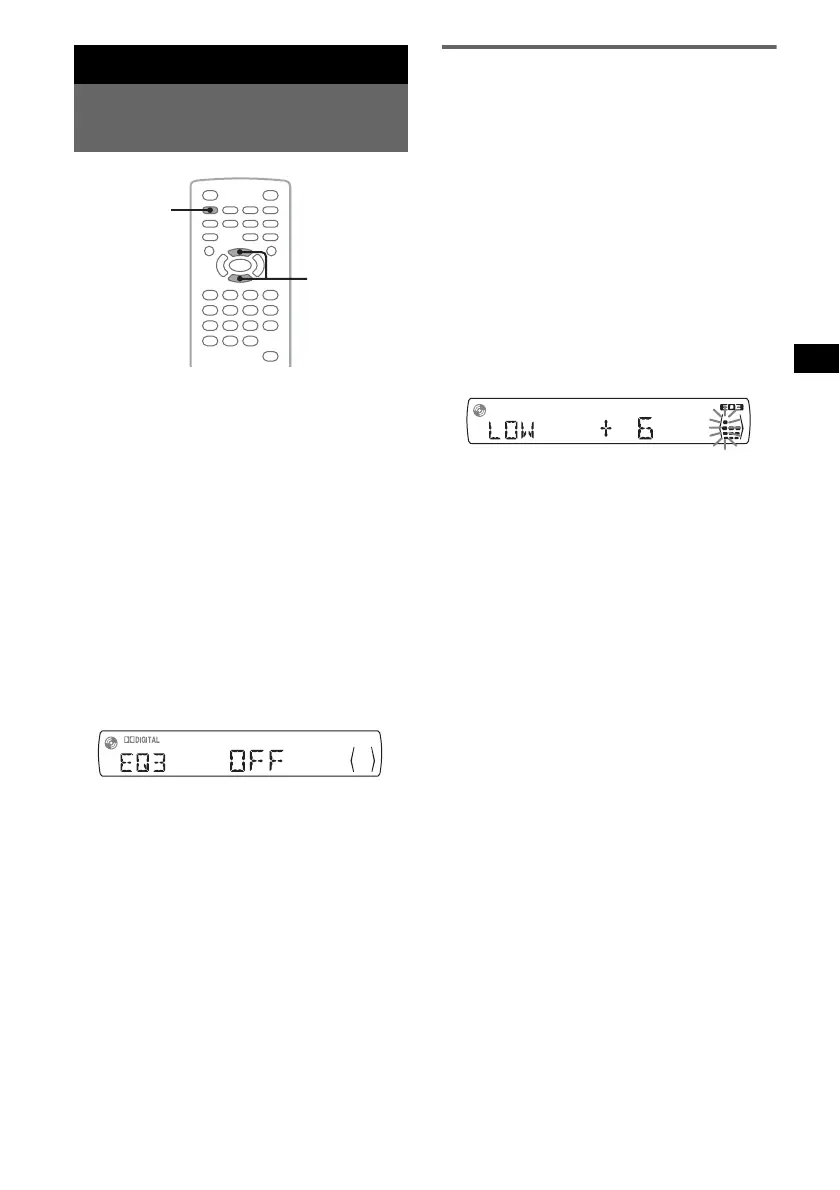
1 During playback/reception, press
(SOUND) repeatedly until the desired
setting item appears on the main unit.
2 Press M/m to adjust the level or select
the desired option.
After 3 seconds, the setting is complete and
the display returns to normal play/reception
mode.
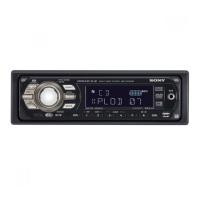
With the main unit
Press the volume control dial instead of (SOUND),
rotate the volume control dial instead of pressing M/m.
Customizing the equalizer curve
— EQ3
“CUSTOM” of EQ3 allows you to make your
own equalizer settings. You can adjust the level
of 3 different bands: “LOW,” “MID,” and “HI.”
1 During playback/reception, press
(SOUND) repeatedly until “EQ3”
appears.
2 Press M/m to select “CUSTOM.”
3 Press (SOUND) repeatedly until
“LOW,” “MID,” or “HI” appears.
4 Press M/m to adjust the level of the
selected item.
The level is adjustable in single steps,
between –10 and +10.
To restore the factory-set equalizer curve,
press and hold (SOUND).
After 3 seconds, the setting is complete and
the display returns to normal play/reception
mode.
Tip
Other equalizer types are also adjustable.
With the main unit
Press the volume control dial instead of (SOUND),
rotate the volume control dial instead of pressing M/m.
SOUND
M/m



 To Next Page