39
Audio setup
Select (AUDIO SETUP), then select the desired item and option below, using M/m and (ENTER).
For details on this procedure, see “Basic operation of visual setup” on page 36.
Follow the page reference for details. “z” indicates the default setting.
* Excluding DVD-R/DVD-R DL/DVD-RW in VR mode.
Resetting all settings
All settings (excluding parental control setting) in visual setup can be reset.
Select (RESET), then “RESET ALL SETTINGS,” “YES” using M/m and (ENTER).
For details on this procedure, see “Basic operation of visual setup” on page 36.
Note
Do not power off the unit while resetting, as it takes a few seconds to complete.
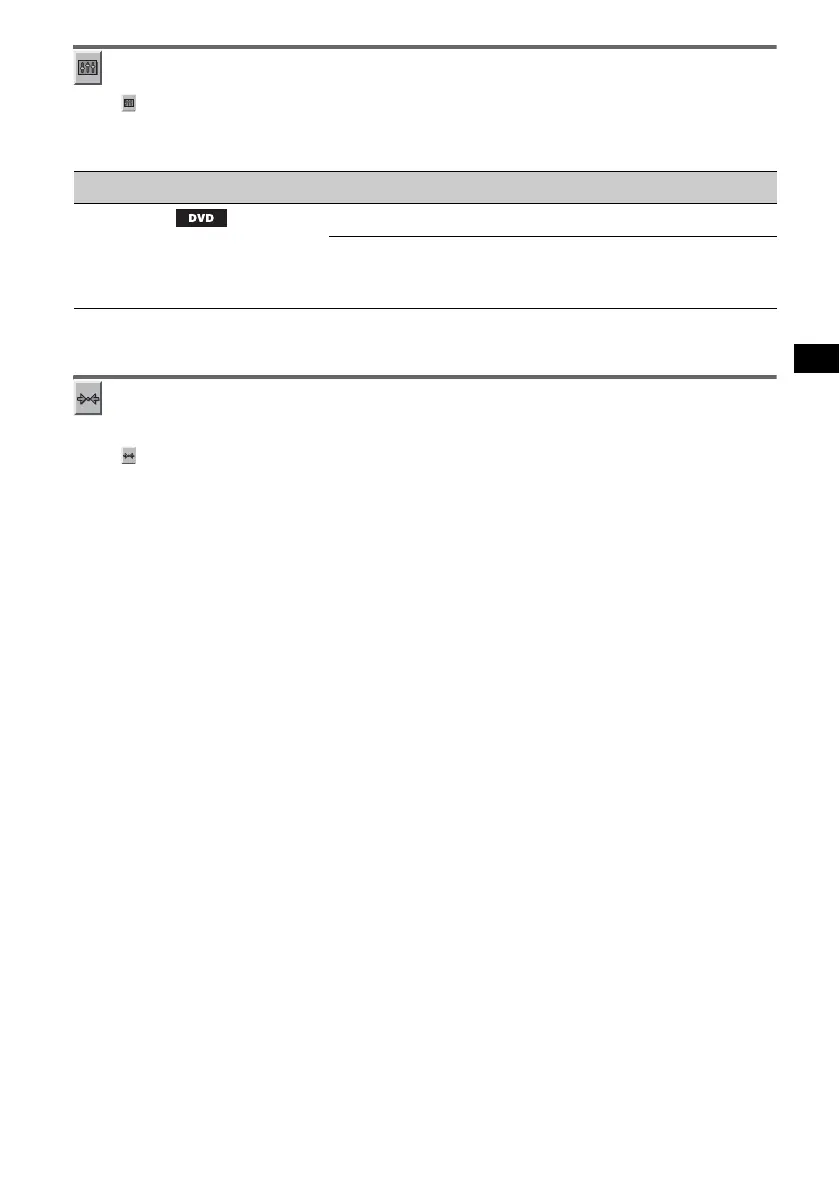
Item Option Purpose
AUDIO DRC *
Makes the sound clear when the
volume is low. Only for a DVD
conforming to Audio DRC
(Dynamic Range Control).
STANDARD (z)
To select the standard setting.
WIDE RANGE
To obtain the feeling of being at a
live performance.



 To Next Page