EasyManua.ls Logo

Sony MHC-2200CD - Page 13

Sony MHC-2200CD
31 pages
Print Icon
To Next Page IconTo Next Page
To Previous Page IconTo Previous Page
Loading...
How
to
start
recording
precisely
1
Press
88
after
step
3
on
left.
2
While
keeping
@
pressed,
press
C>
or
<<.
3
Press
#8
again
at
the
desired
point.
Reducing
Tape
Hiss
Noise
with
the
DOLBY
NR
Switch
(Step
3
on
left)
Dolby
NR
system
|
Dolby
NR
position
a
ee
ee ee
Disengaged
|
OFF
Usable
tapes
MHCG-2200CD
|
MHC-3300CD
TYPE!
a
¥
(Normal)
i
bis
TYPE
IV
¥
(Metal)
ss
To
Insert
a
Blank
Space
Using
the
O
button
during
recording,
you
can
insert
a
blank
space
in
a
tape
to
help
you
locate
a
selection
(AMS
function,
see
page
11).
In
addition,
this
function
enables
you
to
eliminate
unwanted
input
by
replacing
it
with
a
blank
space.
1
While
recording,
press
O.
if
you
want
the
blank
to
be
four
seconds
long,
press
and
release
immediately.
After
four
seconds,
the
unit
goes
into
the
pause
mode.
If
you
want
it
to
be
longer,
keep
pressing
for
as
long
as
you
want.
When
you
release
QO
,
the
unit
goes
into
the
pause
mode.
2
Press
§§
again
to
resume
recording.
Notes
on
cassettes
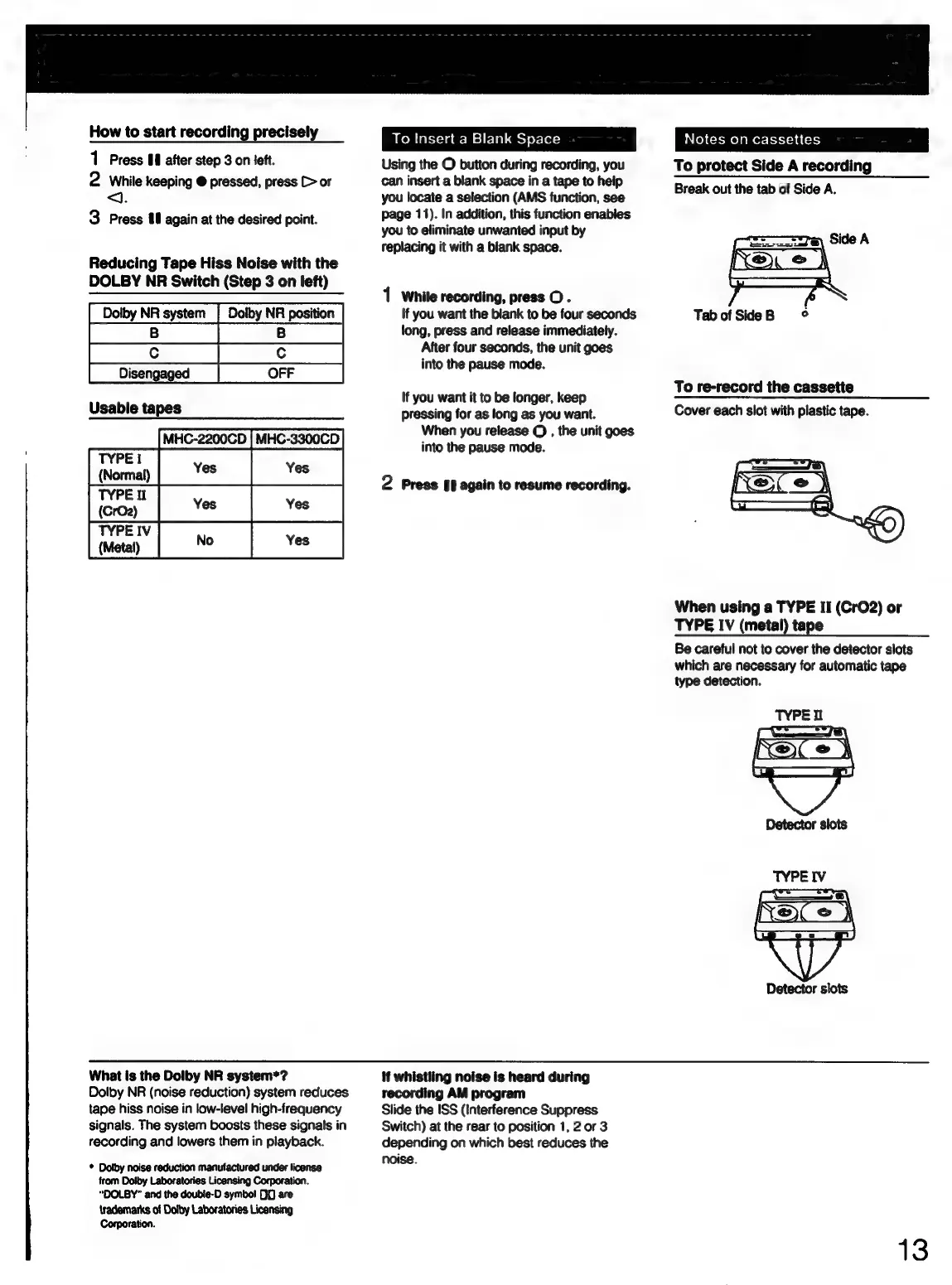
To
protect
Side
A
recording
Break
out
the
tab
of
Side
A.
TabofSideB
©
To
re-record
the
cassette
Cover
each
slot
with
plastic
tape.
When
using
a
TYPE
II
(CrO2)
or
TYPE
IV
(metal)
tape
Be
careful
not
to
cover
the
detector
slots
which
are
necessary
for
automatic
tape
type
detection.
What
is
the
Dolby
NR
system*?
Dolby
NR
(noise
reduction)
system
reduces
tape
hiss
noise
in
low-level
high-frequency
signals.
The
system
boosts
these
signals
in
recording
and
lowers
them
in
playback.
*
Dolby
noise
reduction
manufactured
under
license
from
Dolby
Laboratories
Licensing
ion.
“DOLBY”
and
the
doubie-D
symbo!
00
are
{rademarks
of
Dolby
Laboratories
Licensing
Corporation.
If
whistling
noise
is
heard
during
recording
AM
program
Slide
the
ISS
(Interference
Suppress
Switch)
at
the
rear
to
position
1,
2
or
3
depending
on
which
best
reduces
the
noise.
13