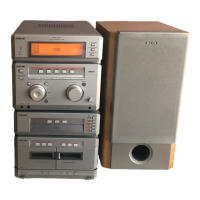
MHC-G101. 3-859-547-13. EN
5
Step 2: Setting the
time
You must set the time beforehand to use the
timer function.
1 Press CLOCK SET for a few
seconds, when the power is off.
“– – : – –” appears.
2 Press )± or ≠0 and set
the hour.
“A” indicates AM and “P” indicates PM.
3 Press CLOCK SET.
The minute indication flashes.
4 Press )± or ≠0 and set
the minute.
2
continued
1,3,5 2,4
Connect the FM antenna.
Connect the AC power cord to a
wall outlet.
Inserting two R03 (size AAA)
batteries into the remote
Tip
With normal use, the batteries should last for about
six months. When the remote no longer operates
the system, replace both batteries with new ones.
Note
If you do not use the remote for a long period of
time, remove the batteries to avoid possible damage
from battery leakage.
3
FM ANTENNA
75 0HM
Extend the FM lead
antenna horizontally.



 To Next Page
 Loading...