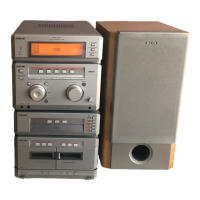
MHC-G101. 3-859-547-13. EN
Basic Operations
9
Recording a CD
Use a TYPE I (normal) tape.
1 Press p6 and insert a blank tape
into deck A.
2 Press § and insert a CD on the disc
tray.
3 Press §.
The disc tray closes.
4 Press one of the DISC 1 – 3 buttons
to select a CD.
5 Press r on deck A.
Recording starts.
6 Press ·P.
CD play starts.
To stop recording
Press p6 on deck A and p on the CD player.
Note
You cannot listen to other sources while recording.
With the
label side up.
When you
play a single
CD, place it
on the inner
circle of the
tray.
5
2,364
p
1
With the side you
want to record on
facing forward



 To Next Page
 Loading...