6
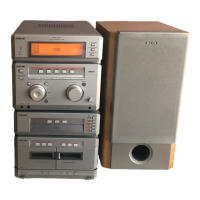
MHC-G101. 3-859-547-13. EN
Step 3: Presetting
radio stations
You can preset up to 30 stations.
1 Press TUNER/BAND repeatedly
until the band you want appears in
the display.
Each time you press the button, the band
changes as follows:
FM ˜AM
2 Press )± or ≠0 for a
second.
The frequency indication changes and
scanning stops when the system tunes in
a station. “TUNED” and “STEREO” (for
a stereo program) appear.
3 Press MEMORY.
“MEMORY” flashes.
Setting the time (continued)
5 Press CLOCK SET.
The clock starts working.
To light up the display
Press TIMER SET when the power is off.
The light on the display turns on for five
seconds.
To check the clock when the
power is on
Press CLOCK SET.
The clock is displayed for a few seconds.
12
4 3,5



 To Next Page
 Loading...