36
To the audio output of the VCR
Connecting a VCR
Make sure to match the color of the plugs and
the connectors. To listen to the sound of the
connected VCR, press VIDEO. Refer to the
instructions of each component.
To super woofer
Connecting a super
woofer speaker
You can connect an optional super woofer
speaker.
Connecting audio components
(continued)
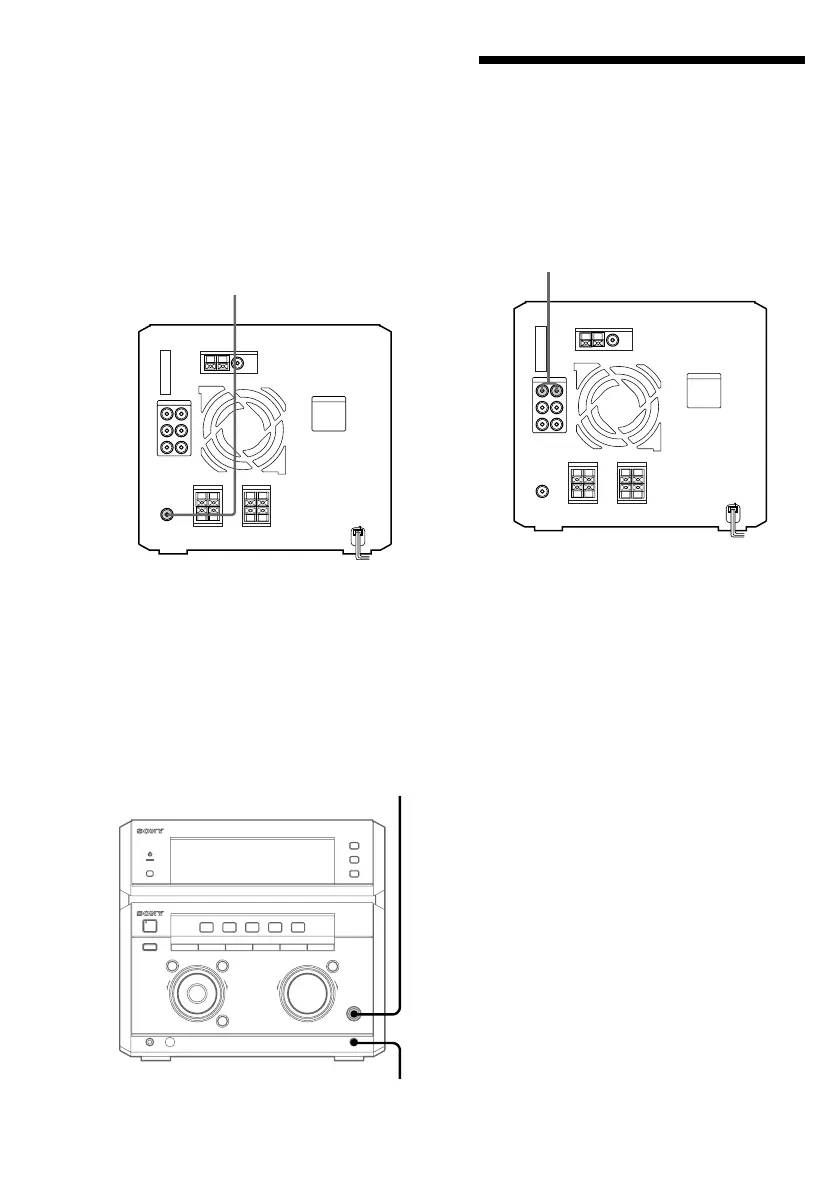
Connecting a microphone
You can connect an optional microphone to
the MIC jack. Adjust the microphone volume
by turning MIC LEVEL.
–
+
0
g
)
≠ +
–
+
MIC LEVEL
MIC


 To Next Page
 Loading...