CD/VIDEO CD/MP3 file
11
GB
Note
The play mode cannot be changed while playing a
disc. To change the play mode, press x first to stop
playing.
Playing a track by entering the track
number
Press the number button(s) on the remote to
enter the track number of the track you want to
play.
To enter a track number over 10
1 Press >10.
2 Enter the corresponding digits.
To enter 0, press 10/0 instead.
Example:
To play track number 30, press >10, then 3 and
10/0.
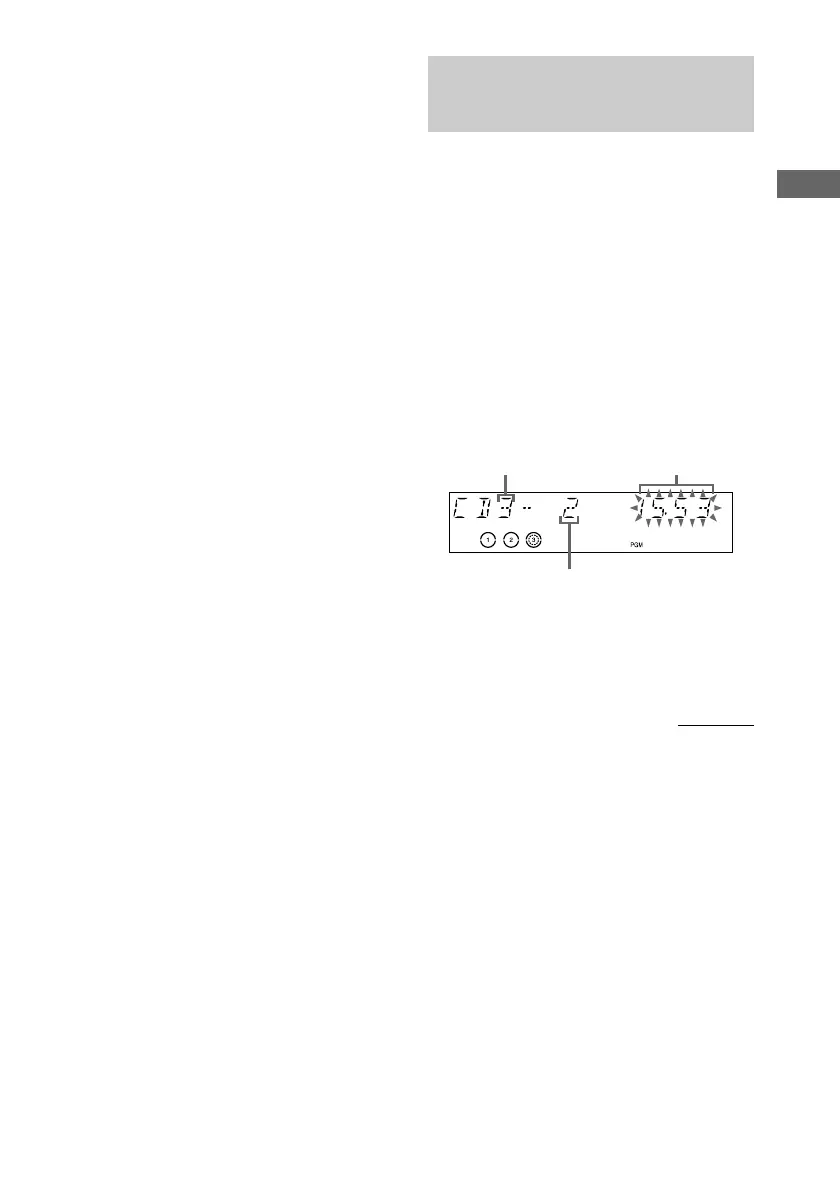
Total playing time
(including selected track)
Selected track number
5 Press ENTER on the remote.
The track is programed. The program step
number appears, followed by the total
playing time.
continued
Programing VIDEO CD/CD
tracks
— Program Play
You can make a program of up to 25 tracks
from all the CDs in the order you want to play
them.
1 Press CD.
2 Press PLAY MODE on the remote
repeatedly in stop mode until “PGM”
appears in the display.
3 Press one of DISC 1 – 3 to select a CD.
4 Press . or > until the desired
track appears in the display.
Disc tray number



 To Next Page
 Loading...