MHC-V41D.GB.4-729-484-13(1)
16
GB
(open/close) button
Press to open or close the disc
tray.
/ (go backward/go
forward) button
Press to select a track or file.
TUNING +/– button
(page39)
PLAYBACK button
(page48)
DJ button (page49)
SAMPLER button (page49)
KARAOKE button (page50)
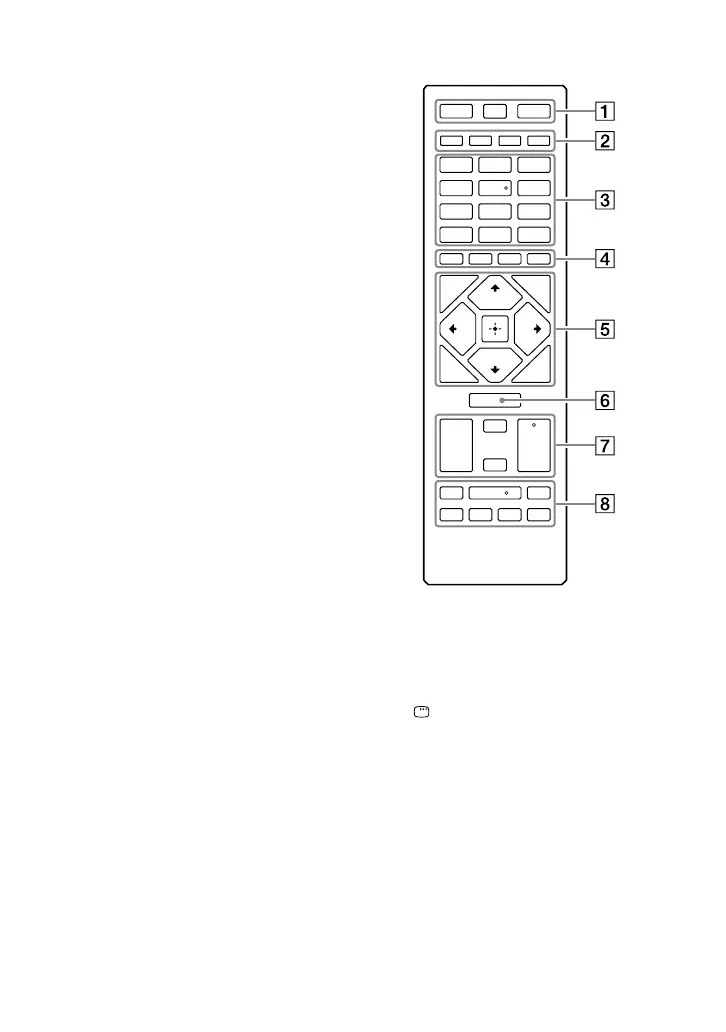
Remote control:
DISPLAY button (page 20,
24, 32, 39, 41)
Press to change the information
on the display.
DISPLAY* button
(page31)
Press to view or hide the on-
screen display.
SLEEP button (page 66)
(power) button
Press to turn on the system, or
sets it to the standby mode.



 To Next Page