46
GB
Selecting surround
effects
You can enjoy surround effects.
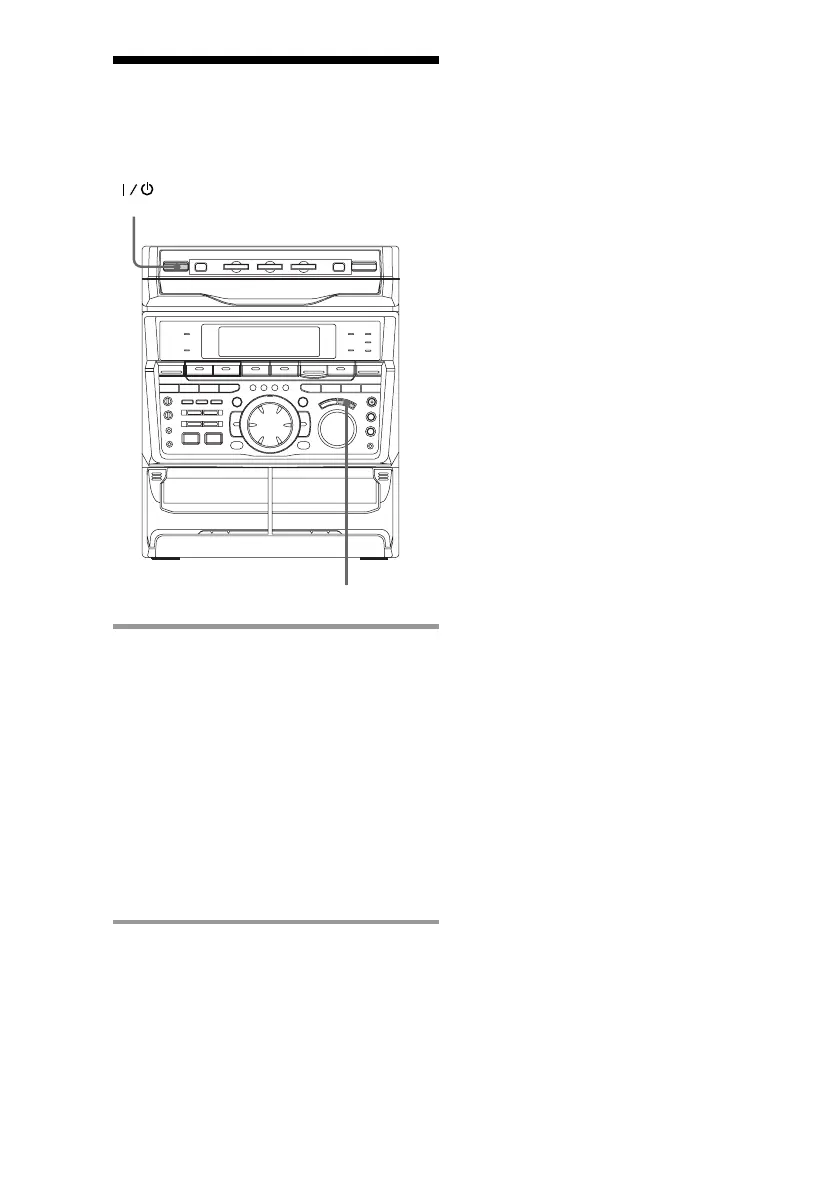
/ Press DSP repeatedly to select the
surround effect you desire.
SURROUND ON: Reproduces stereo
sources in surround sound.
HALL: Reproduces the acoustics of a
concert hall.*
THEATER: Reproduces the acoustics of a
movie theater.*
ENHANCED THEATER: Reproduces
the acoustics of a large movie theater.*
DSP OFF: Turns off the DSP mode.
* The indicator on the front panel’s DSP
button lights up.
DSP
(Power)
Tip
If you want to memorize the effect, store it into a
personal file (see “Making a personal audio
emphasis file” on page 49).
Note
When you choose other sound effects, the surround
effects will be canceled.



 To Next Page