14
Installing the Drive
Letter Recognition
Software
(Windows Only)
Before starting installation, read the “End
User License Agreement.”
1 Download the installer file from
the web site. The installer file
(Sony_DLRS_RV1.01.exe) can
be downloaded from the
following URL
http://support.sony-europe.com
2 Close all programs that are still
running.
3 Double click the installer file.
(For windows Vista, User
Account Control window will
appear, click on [Allow].)
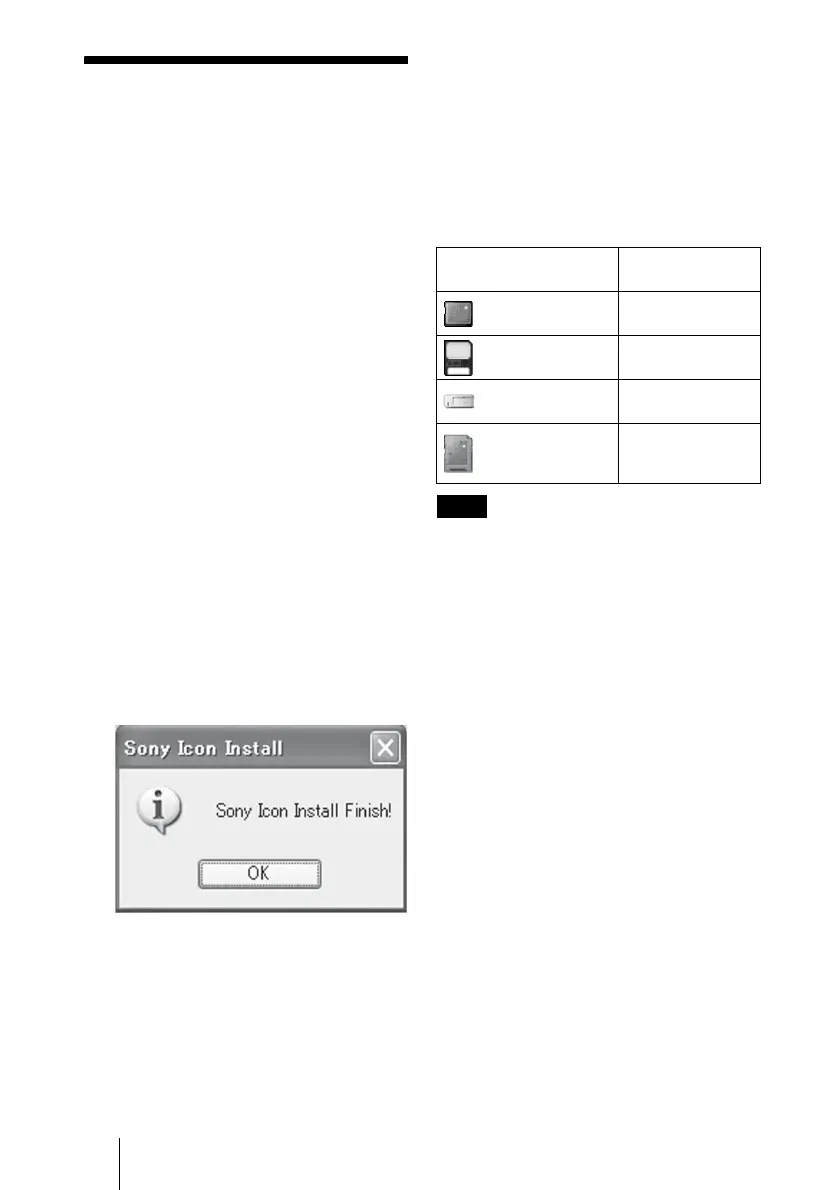
4 When the following window
appears, the installing is
completed, and click [OK].
Notes on Icons
Once the Drive Letter Recognition Software
is installed, the Removable Disk icons and
their descriptions change.
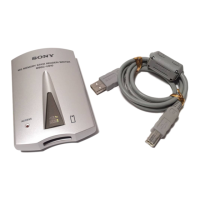
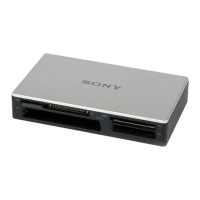
For example, if the computer has an A:, C:,
and D: drive before connecting the reader/
writer, the drive letters will be assigned as
follows when the reader/writer is connected:
Notes
• The use of this software is intended only for this
reader/writer. Other reader/writers may not work
with this software.
• Uninstall any similar software before installation
to ensure that the software functions properly.
Computer drive name
Corresponding
memory card
CF/Microdrive (E:)
CompactFlash
Microdrive
SmartMedia (F:)
SmartMedia
xD-Picture Card
Memory Stick (G:)
“Memory Stick”
media
MMC/SD (H:)
MultiMediaCard
SD Memory Card


 To Next Page