17-DE
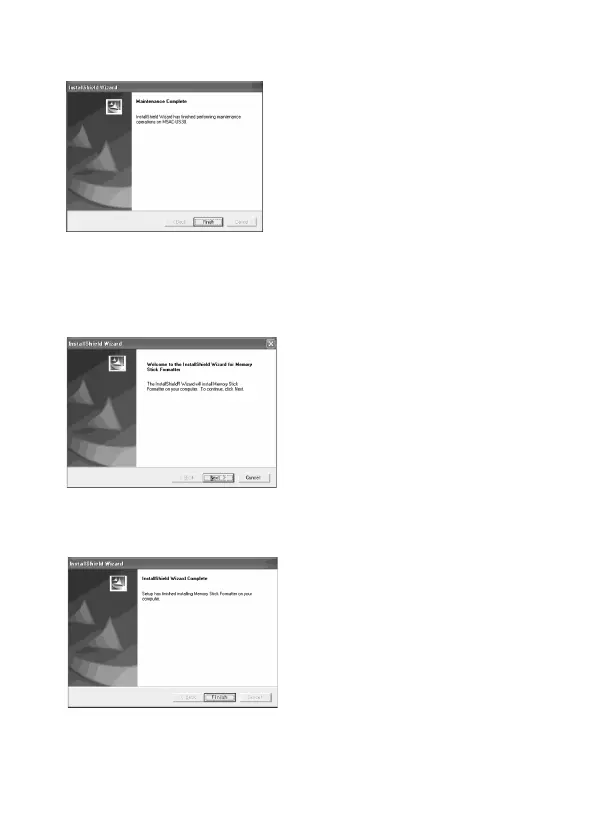
5 Klicken Sie auf [Finish]. Die Installation des Treibers ist damit
beendet.
6 Anschließend beginnt die Installation des „Memory Stick
Formatter“.
Klicken Sie entsprechend der Aufforderung auf dem Bildschirm auf
die Schaltfläche [Next].
7 Klicken Sie auf [Finish]. Die Installation des „Memory Stick
Formatter“ ist damit beendet.
Wenn Sie den „Memory Stick Formatter“ verwenden wollen, wählen
Sie [Start] – [Programs] – [Memory Stick Utility] –[Memory Stick
Formatter].


 To Next Page
 Loading...