18-IT
Installazione del software “SonicStage”
(incluso “OpenMG”) sul computer
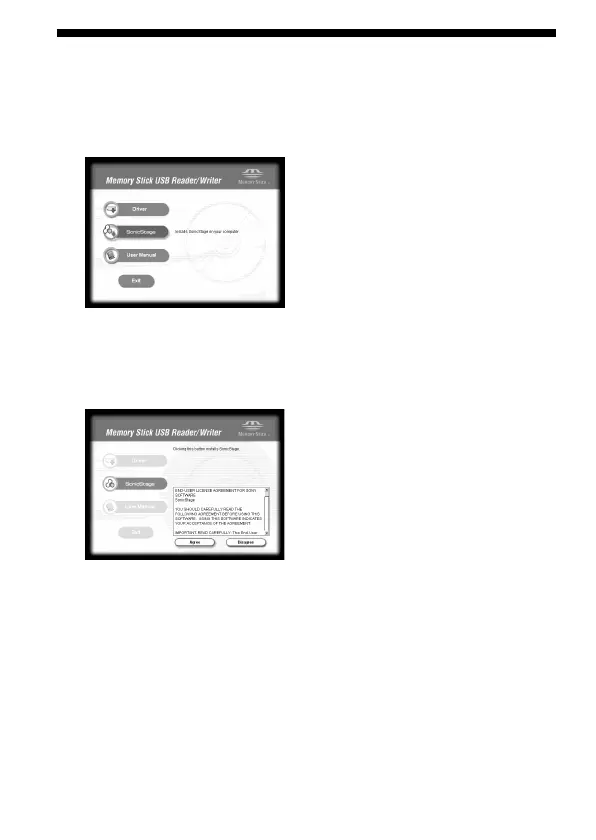
1 Procedere come segue per installare “SonicStage”.
Fare clic sul pulsante [SonicStage] nel menu.
2 Leggere attentamente il License Agreement, poi fare clic sul
pulsante [Agree].
Se si fa clic sul pulsante [Agree], l’installazione di “SonicStage” inizia.



 To Next Page
 Loading...