16-DK
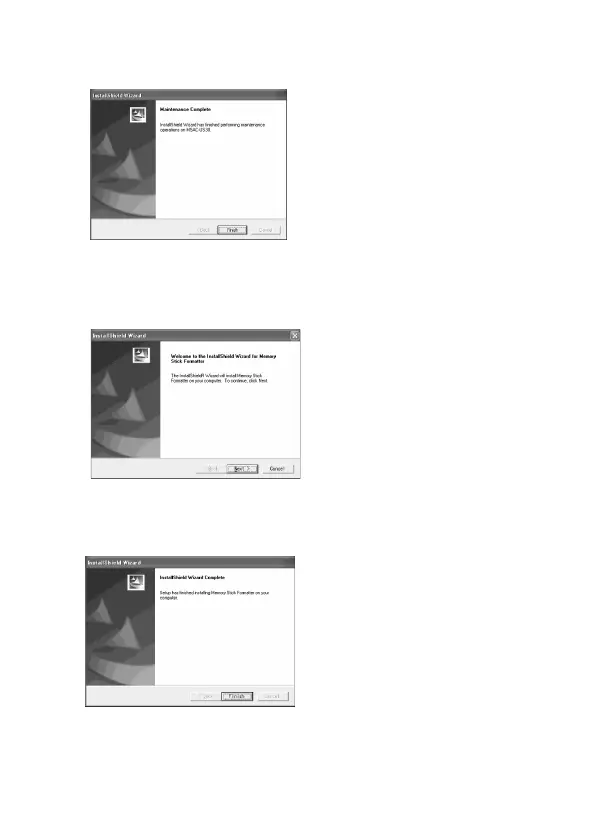
5 Når du klikker på [Finish] (Afslut), fuldføres driver-
installationen.
6 Herefter starter installation af "Memory Stick Formatter".
Klik på [Next] (Næste) knappen som opfordret til på skærmen.
7 Når du klikker på [Finish] (Afslut), fuldføres installation af
"Memory Stick Formatter".
For at anvende "Memory Stick Formatter" vælger du [Start] –
[Programs (Programmer)] – [Memory Stick Utility] – [Memory Stick
Formatter].


 To Next Page
 Loading...