17-GB
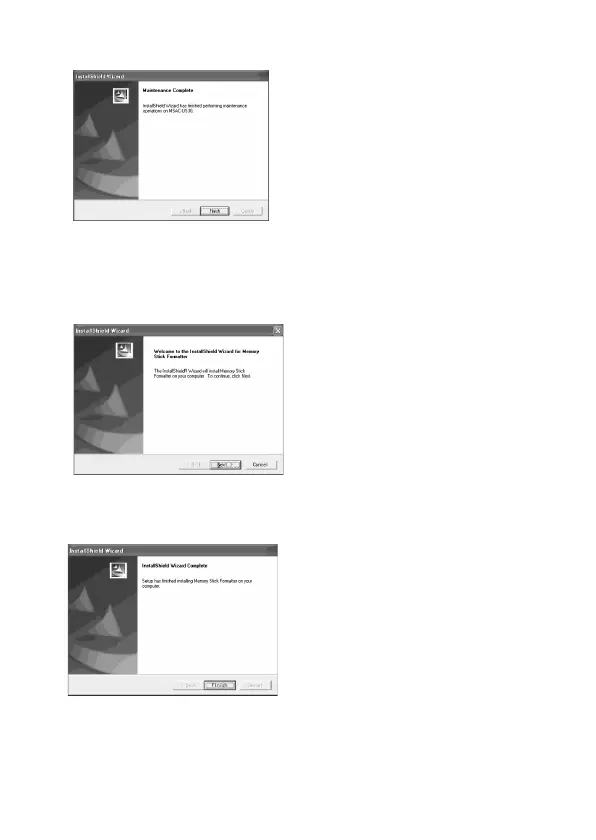
5 When you click [Finish], the driver installation is completed.
6 Following this, installation of the “Memory Stick Formatter”
starts.
Click the [Next] button as prompted on the screen.
7 When you click [Finish], installation of “Memory Stick
Formatter” is completed.
To use “Memory Stick Formatter”, select [Start] – [Programs] –
[Memory Stick Utility] – [Memory Stick Formatter].


 To Next Page
 Loading...