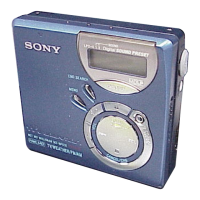
Recording in analog
(Analog Recording)
The sound will be input from the
connected equipment as an analog signal,
but recorded digitally to the disc.
To connect to a sound source, an optional
line cable is required. When connecting
the cable, make sure to insert the
connectors firmly.
to LINE OUT jacks, etc
R (red)
Line cable*
REC
to LINE IN (OPTICAL)
*
Use the
connecting
cords without an
attenuator. To connect to a portable
CD player with a stereo mini-jack,
use the RK-G 136 connecting cord.
For more information on connecting
cords, see (“Optional accessories”,
page 76).
1
Press and slide REC to the right.
REC indication lights up in the
display and recording starts.
2
Play the source you want to record.
For other recording operations, see
“Recording an MD right away!
(Synchro-recording)” (page 18).
.“‘.
c
LINE IN (OPTICAL) jack is for both digital
and analog input.
The recorder automatically recognizes the type
of line cable and switches to digital or analog
input.
Note
If you temporarily stop a recording operation
by pressing II, a track mark will be added at
that point when you press il again to resume
recording. The recording resumes on a new
track.
27-68



 To Next Page
 Loading...