EasyManua.ls Logo

Sony PCM-800 - Recording Time Code on Other Audio Tape Recorders

Sony PCM-800
135 pages
Print Icon
To Next Page IconTo Next Page
To Previous Page IconTo Previous Page
Loading...
|
:
;
a
aa
Si
‘@necono
6
Start
playing
the
source
machine.
Gl
7
Hold
RECORD
and
press
PLAY
on
the
PCM-800
to
start
dubbing
time
code
and
digital
audio.
It
is
imperative
that
the
clock
to
which
the
digital
audio
machine
is
currently
referenced
is
the
same
as
when
its
tape
was
striped
with
time
code.
Recording
Time
Code
on
Other
Audio
Tape
Recorders
Using
the
time
code
generator
inside
the
DABK-801
allows
you
to
record
time
code
on
other
audio
tape
recorders.
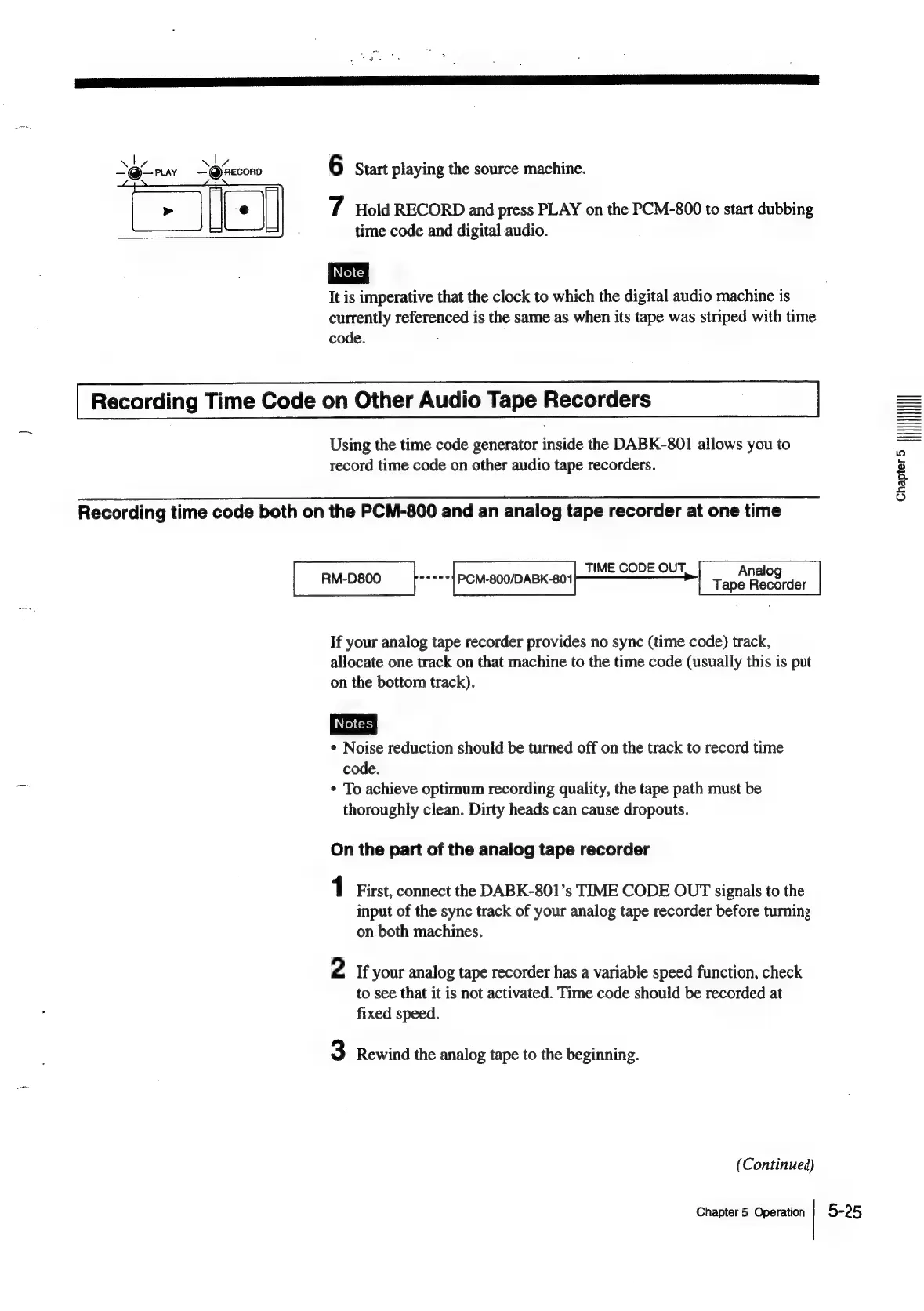
Recording
time
code
both
on
the
PCM-800
and
an
analog
tape
recorder
at
one
time
If
your
analog
tape
recorder
provides
no
sync
(time
code)
track,
allocate
one
track
on
that
machine
to
the
time
code
(usually
this
is
put
on
the
bottom
track).
¢
Noise
reduction
should
be
turned
off
on
the
track
to
record
time
code.
¢
To
achieve
optimum
recording
quality,
the
tape
path
must
be
thoroughly
clean.
Dirty
heads
can
cause
dropouts.
On
the
part
of
the
analog
tape
recorder
1
First,
connect
the
DABK-801’s
TIME
CODE
OUT
signals
to
the
input
of
the
sync
track
of
your
analog
tape
recorder
before
turning
on
both
machines.
2
If
your
analog
tape
recorder
has
a
variable
speed
function,
check
to
see
that
it
is
not
activated.
Time
code
should
be
recorded
at
fixed
speed.
3
Rewind
the
analog
tape
to
the
beginning.
(Continued)
Chapter
5
Operation
5-25
cnerrer
lll

Table of Contents

Related product manuals