NOTICES:
Video output in HD requires cables and an HD-compatible display, both sold separately.
Voice chat requires a headset, sold separately. Compatible with most Bluetooth and USB
wired headsets. Some limitations apply.
Playstation®3 system
Starting a game: Before use, carefully read the instructions supplied with the PS3™ computer
entertainment system. The documentation contains information on setting up and using your
system as well as important safety information.
Check that the MAIN POWER switch (located on the system rear) is turned on. Insert the
WWE ’12 disc with the label facing up into the disc slot. Select the icon for the software title
under [Game] in the PS3™ system’s home menu, and then press the
≈
button. Refer to this
manual for information on using the software.
Quitting a game: During gameplay, press and hold down the PS button on the wireless
controller for at least 2 seconds. Then select “Quit Game” from the screen that is displayed.
To remove a disc, touch the eject button after quitting the game.
Trophies: Earn, compare and share trophies that you earn by making specific in-game
accomplishments. Trophies access requires a PlayStation®Network account.
saved data for Ps3™ format softWare
Saved data for PS3™ format software is saved on the system’s hard disk.
The data is displayed under “Saved Game Utility” in the Game menu.
WWE ’12 has all the bone-crushing, high-flying, showboating, slobberknocking action you’ve
come to expect—plus a whole lot more.
Use the completely revamped Limb Targeting system to pick apart an opponent and find his
breaking point. Or, add insult to injury with a Wake-Up Taunt before putting him down for the
count and making him wish he’d never stepped into the ring with you. And speaking of the ring,
the all-new Arena Creator lets you customize every aspect of the ring, right down to the logo on
the apron.
You’ve never had this much control over creating the ultimate WWE experience, or so many
ways to bring the pain. So what are you waiting for? Lace up your boots and hit the entrance
ramp—your journey to WWE immortality begins now!
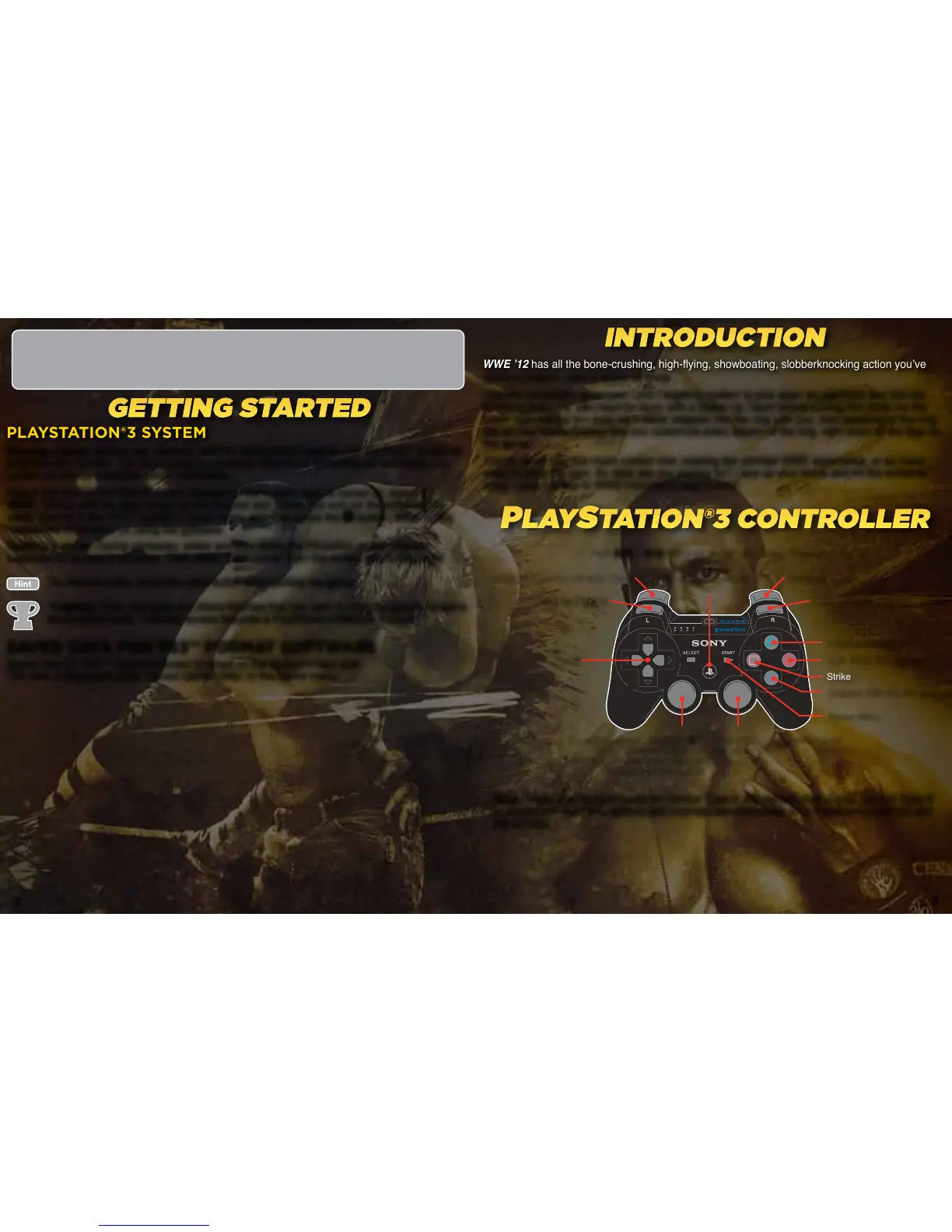
Note: These are the commands for Control Type A, the default control type. Control Type B
is available in the game options and reverses the commands for the directional buttons and
the left stick.
InTroduCTIon
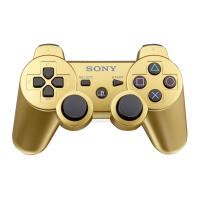
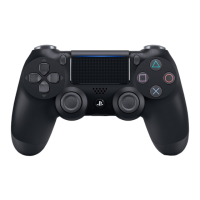
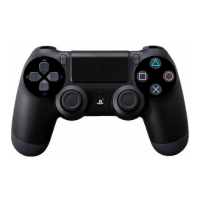
Play sTaTIon®3 ConTroller
geTTIng s TarTed
Taunt
(Hold) +
push the left stick: Dash
Hold
ß
+
ƒ
and push the left stick: Drag Opponent
Pick up Objects
Grapple (with the left stick)
Pause Menu
Strike
Finisher/Signature Move
Limb Targeting System - NEW!
Reversal
PlayStation® Menu
Irish Whip, Pin Attempt
Control Superstar, Grapple (≈),
Target Different Opponent
(click the left stick) when Manual
Targeting is Turned ON
Reposition Opponent/Change
Grappled State
2 3




 To Next Page